Membership management app · clubs · societies · associations
Every member, every due, every vote in one register.
Tiwani replaces the group chat, the spreadsheet and the shoebox of receipts. Keep the directory current, collect dues without chasing, put decisions to a vote, and let the association see exactly where it stands.
Getting in
Three screens between a new member and the register.

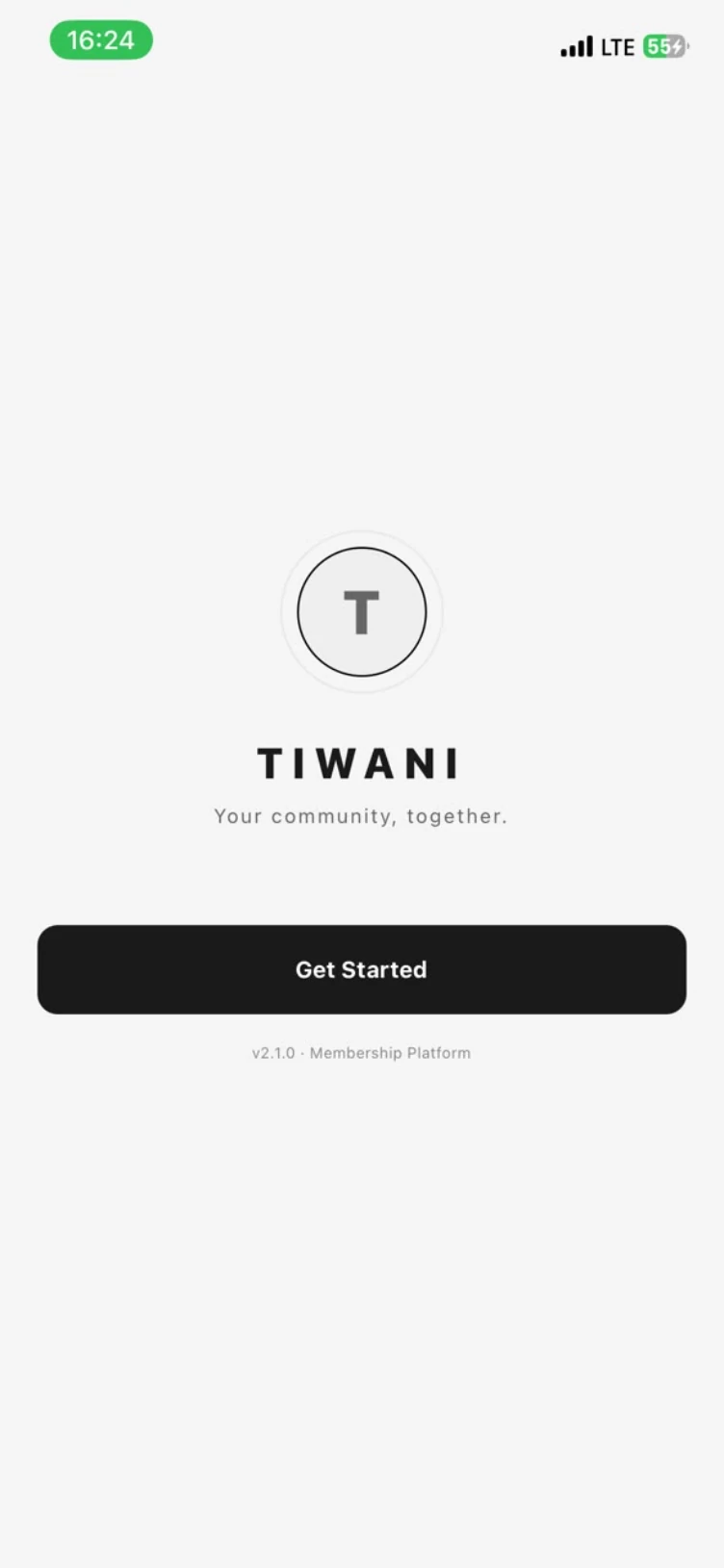
Open the app
One mark and one line, your community, together. A first-time member only has to tap Get Started.
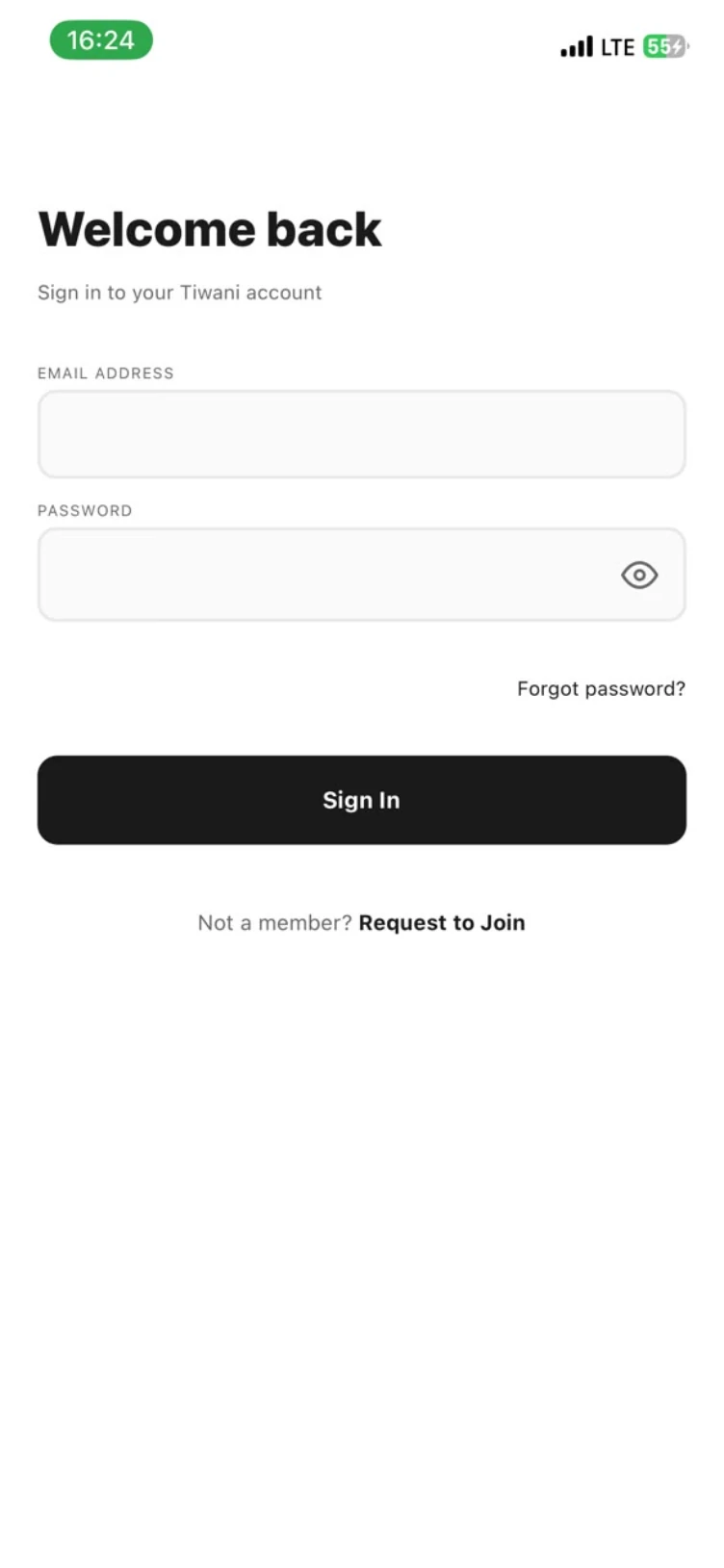
Sign in, or ask to join
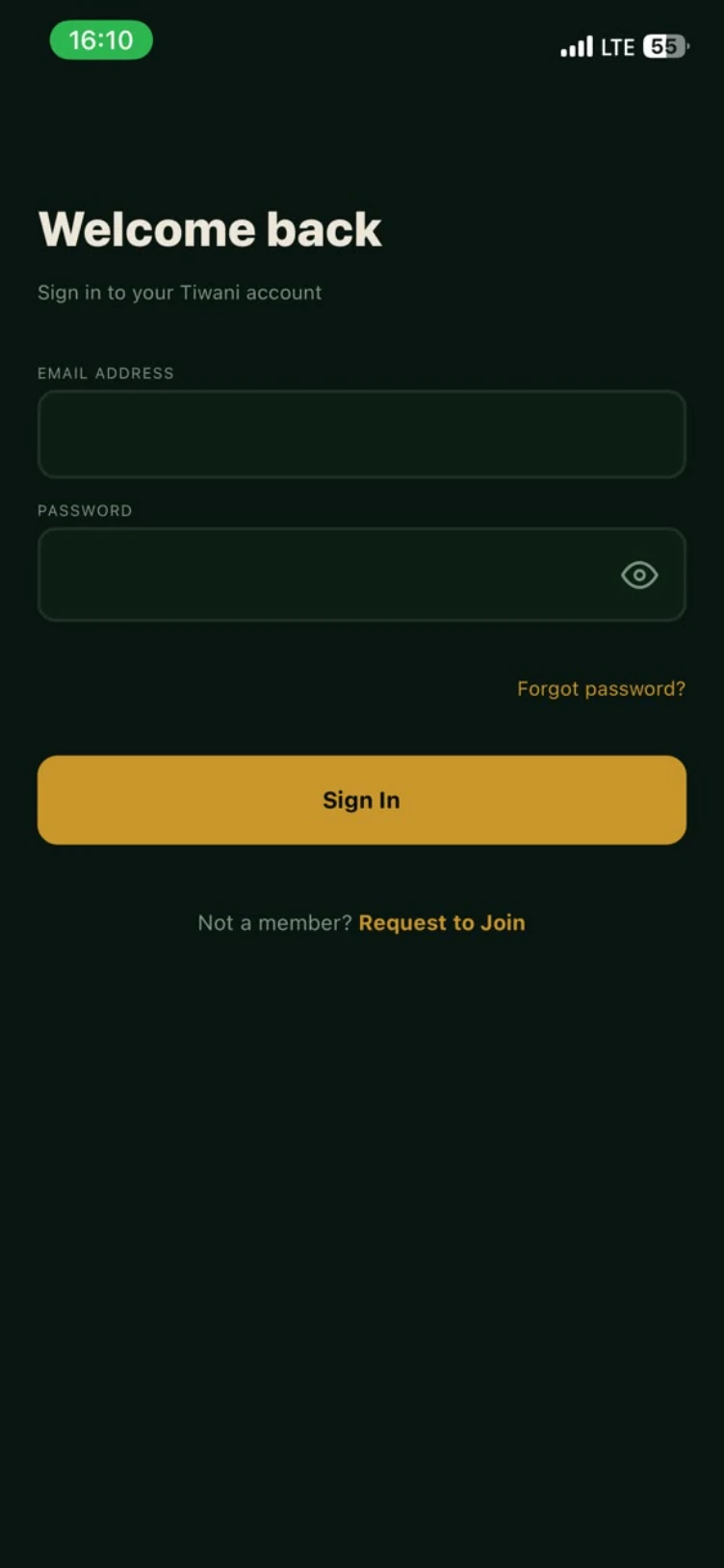
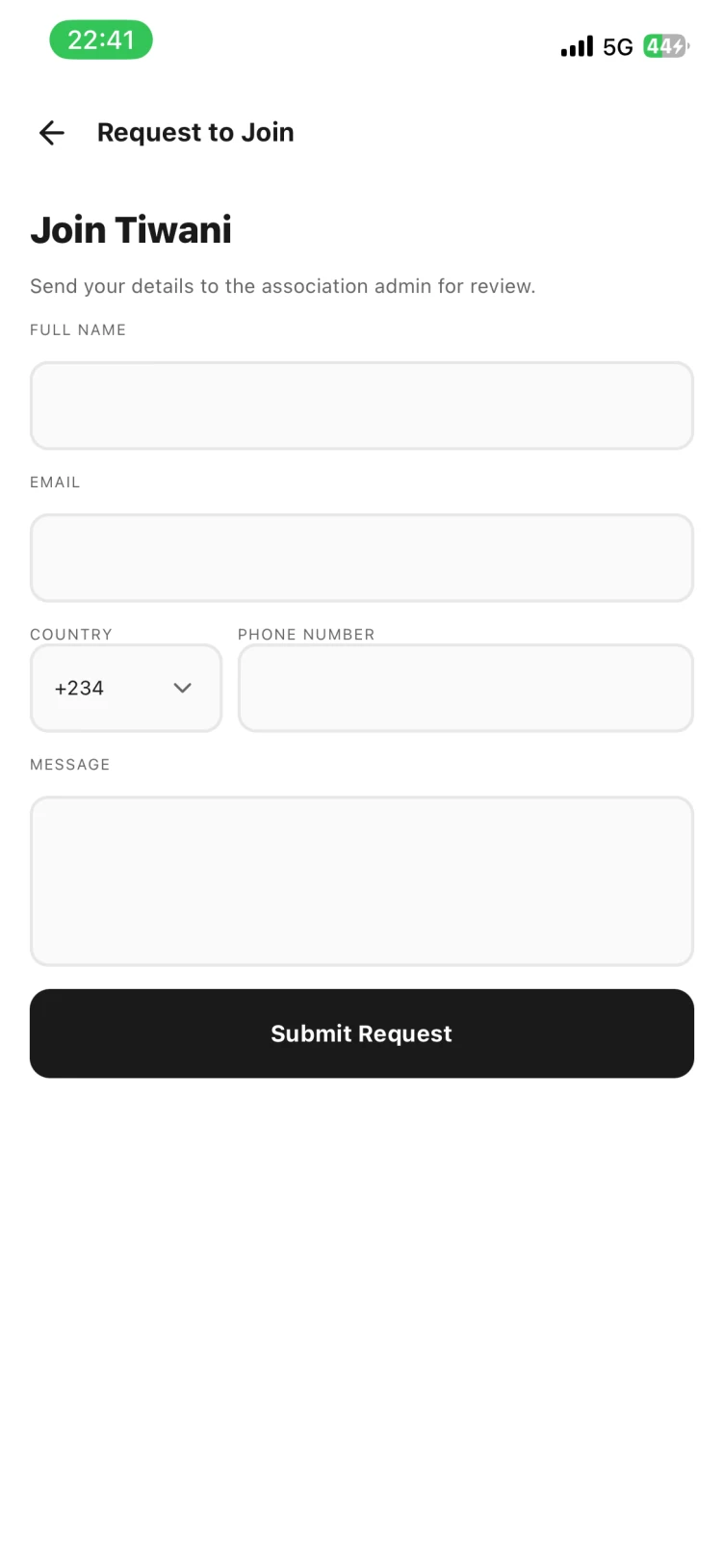
Members sign in with an email and password. Anyone else taps Request to Join, and the request goes to the admins' queue for review.
Land on what is next
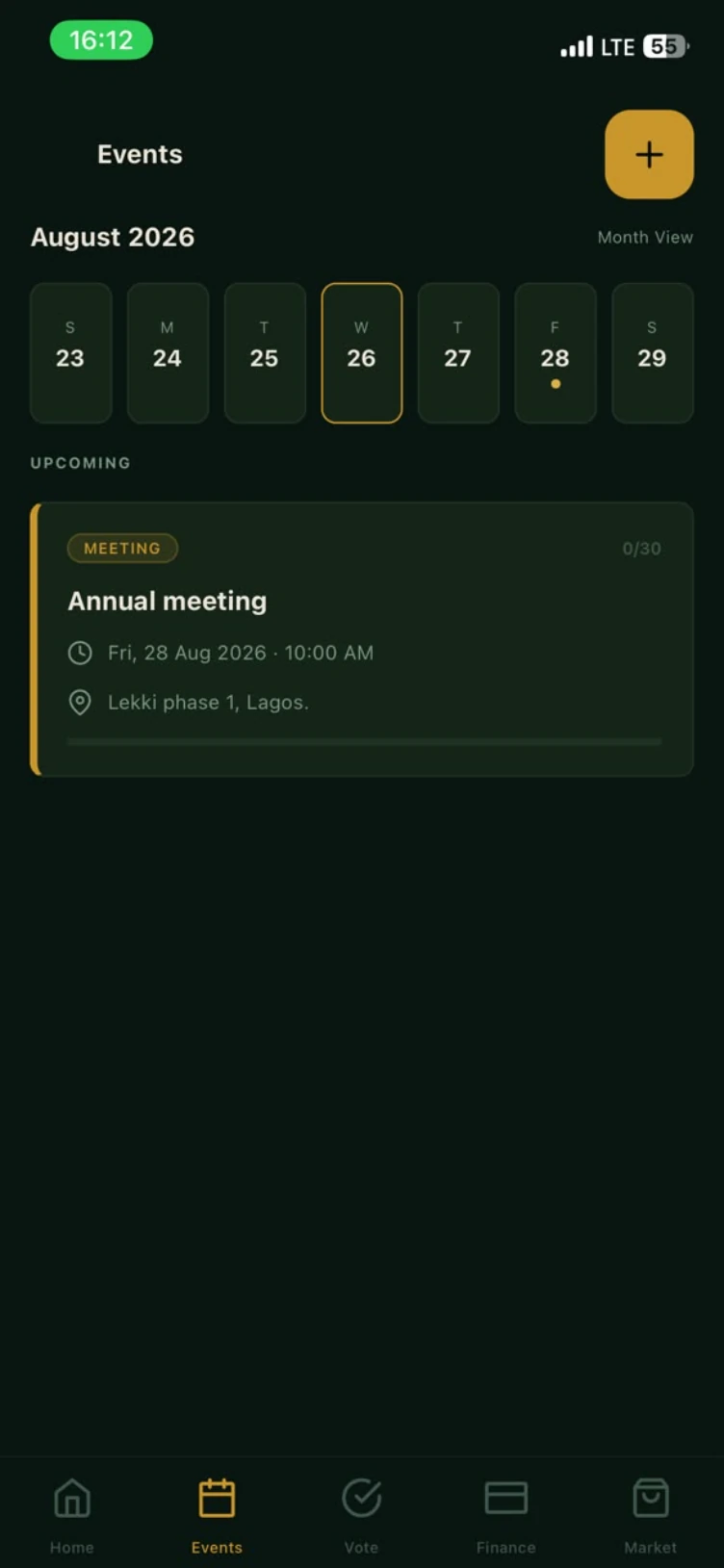
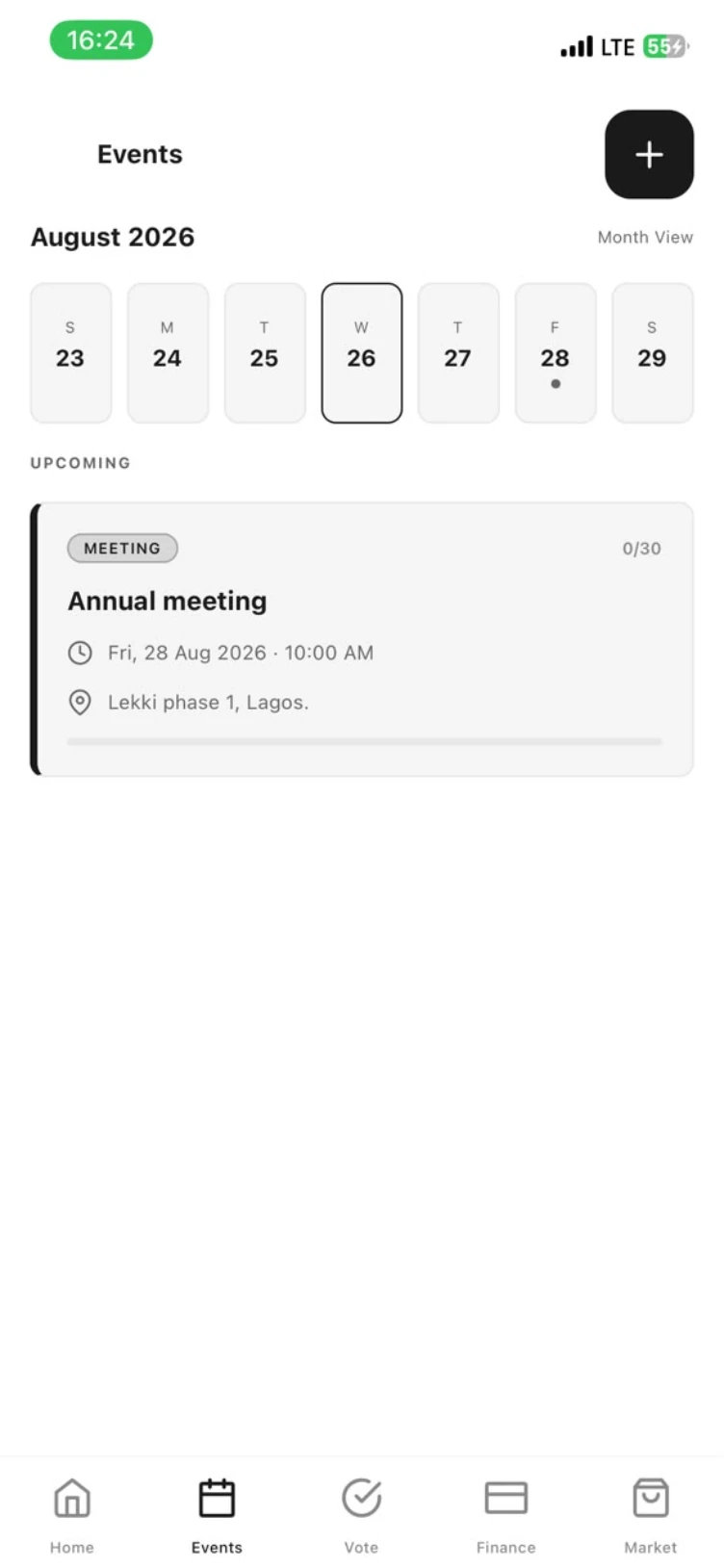
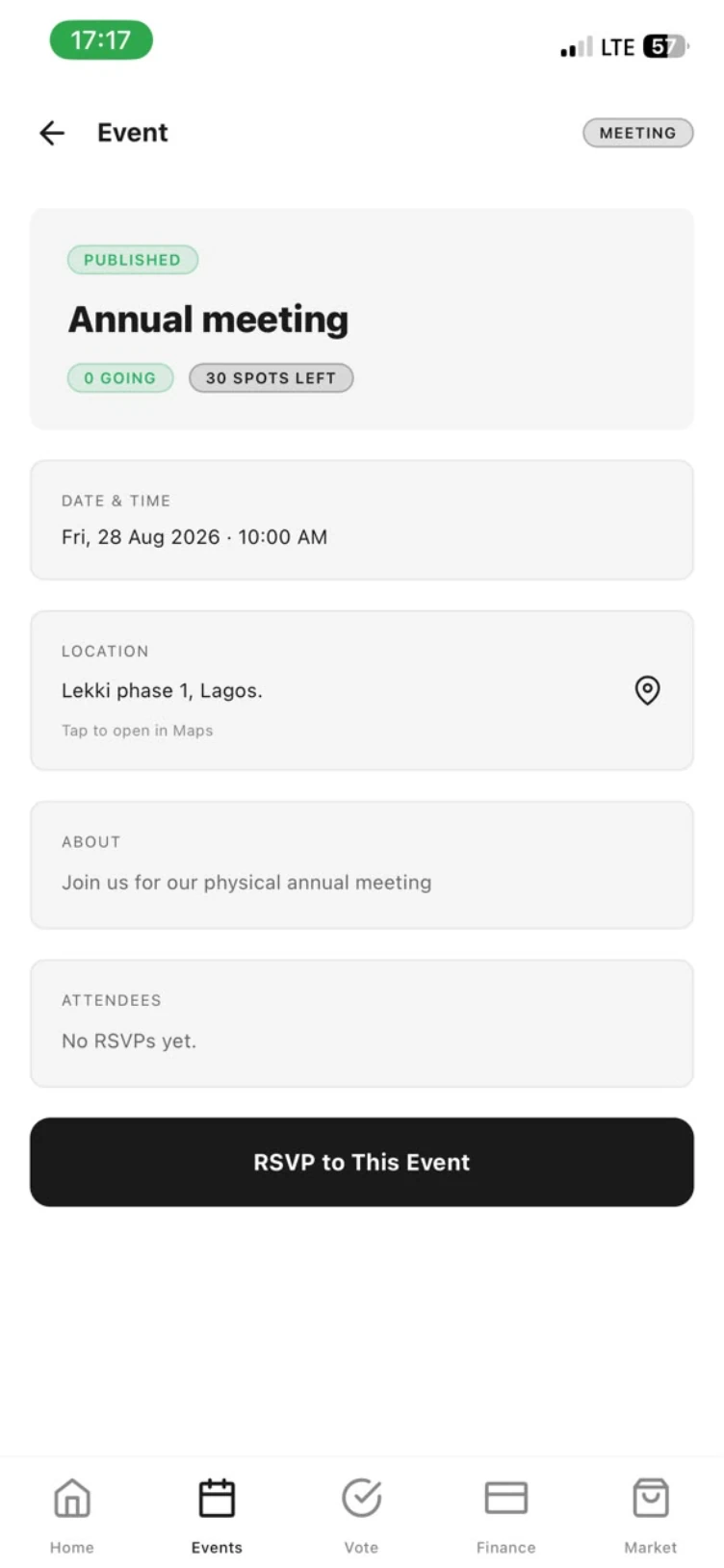
The week strip marks the days that carry something. Here it shows the annual meeting on Friday the 28th, with 30 places still open.
What it does
Member directory, events and dues, done properly.
Member directory
Profiles, roles and contact details in one searchable register. Filter by active, pending, owing or overdue and see a member's whole standing at a glance.
Events & RSVPs
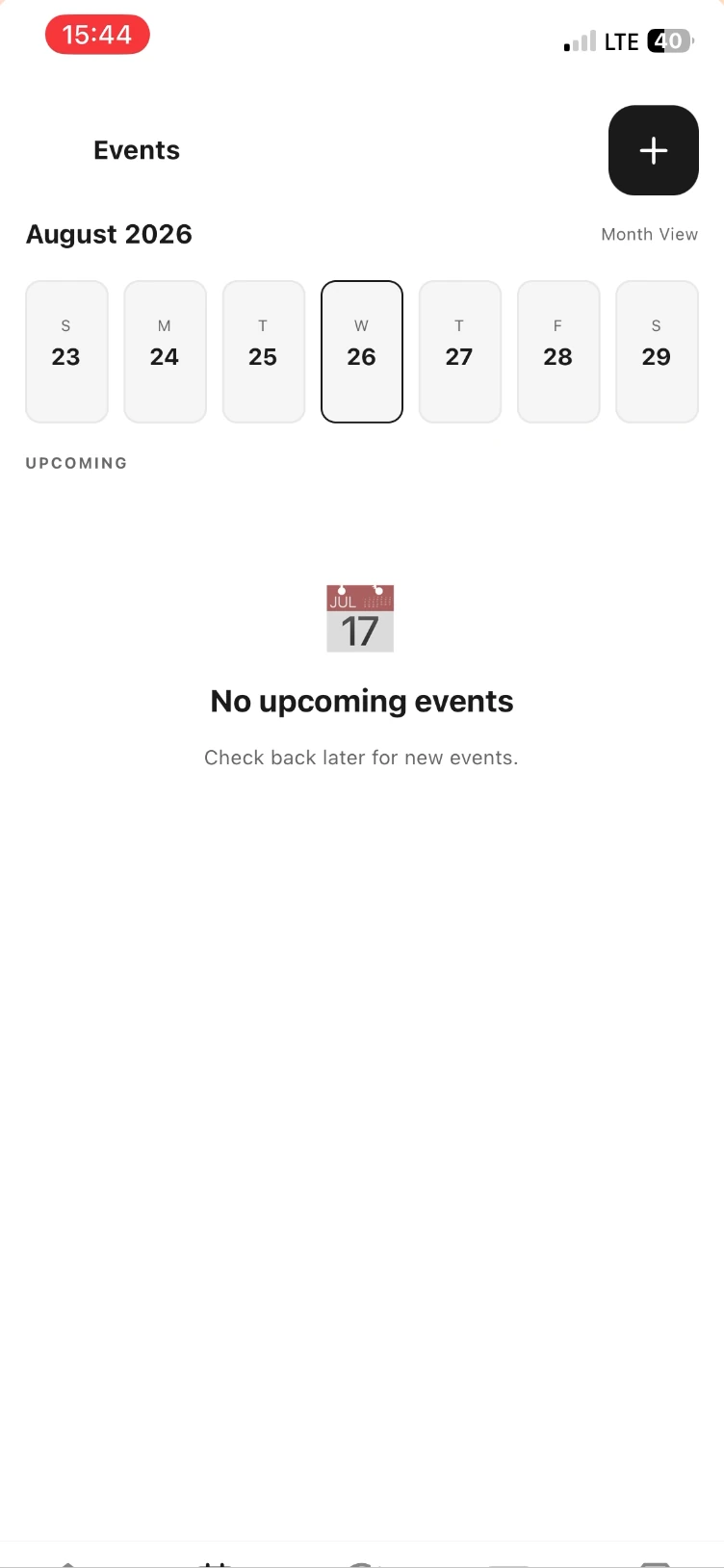
Create a meeting or picnic, invite the roll, and watch attendance come in. Month and week views keep the calendar honest.
Dues, voting & updates
Charge dues, levies, fines and pledges; run contribution pools; put motions to a poll; and broadcast the outcome to everyone at once.
A closer look
The tabs your officers will live in.
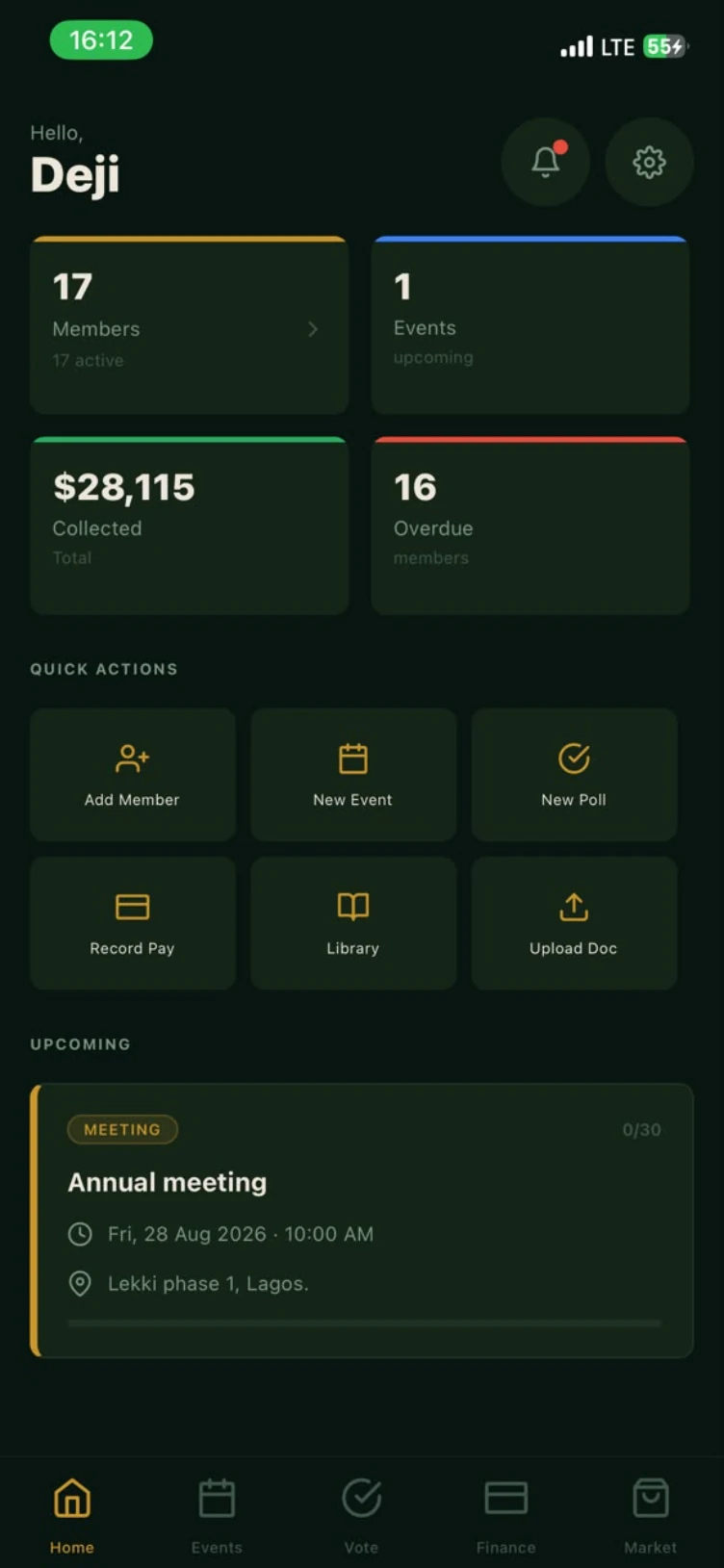
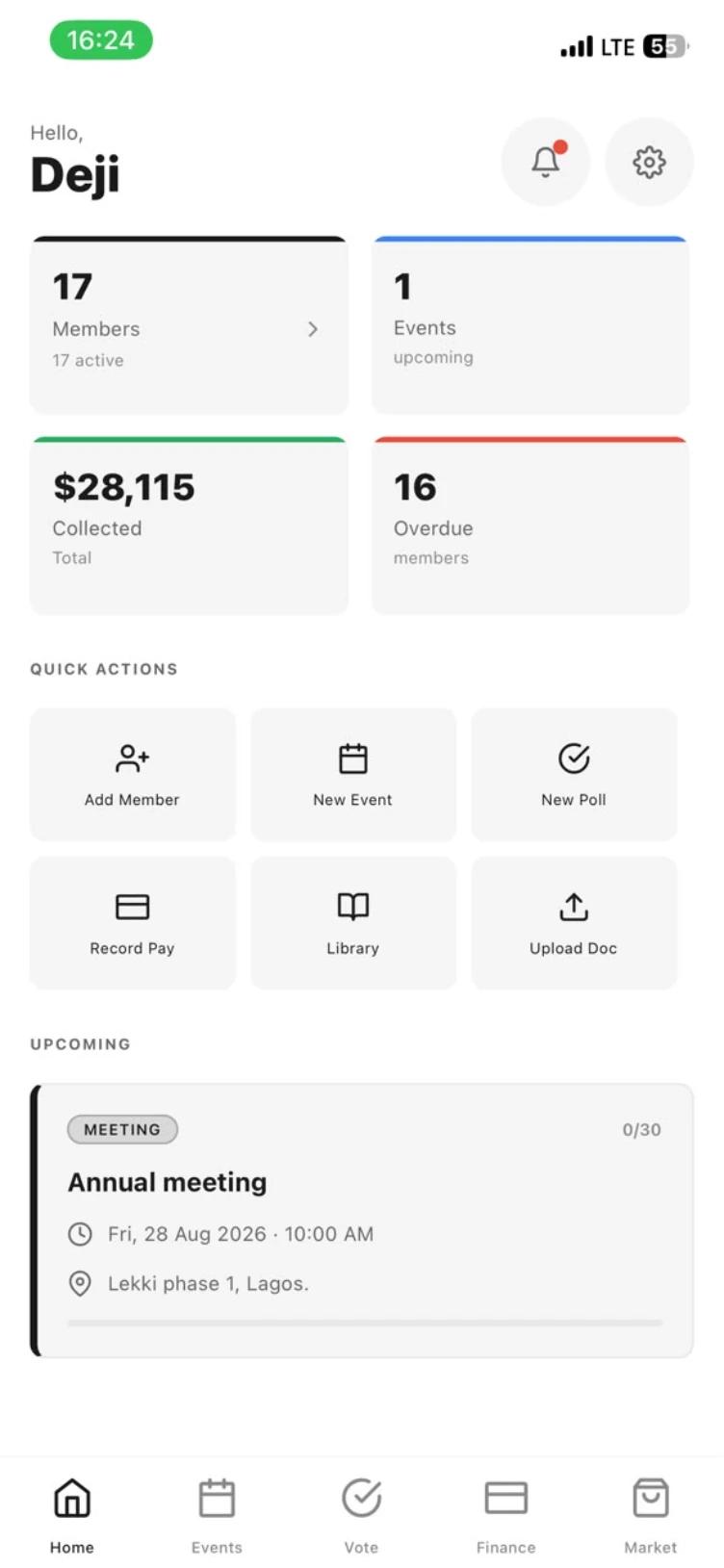
The state of the association, on open.
Four figures answer the questions a secretary is always asked: how many of us are there, what is coming up, how much has been collected, and who is behind. Quick actions sit underneath so the common jobs are one tap deep.
- Members · Events · Collected · Overdue at a glance
- Quick actions: add member, new event, new poll, record pay
- Library uploads for reports and documents
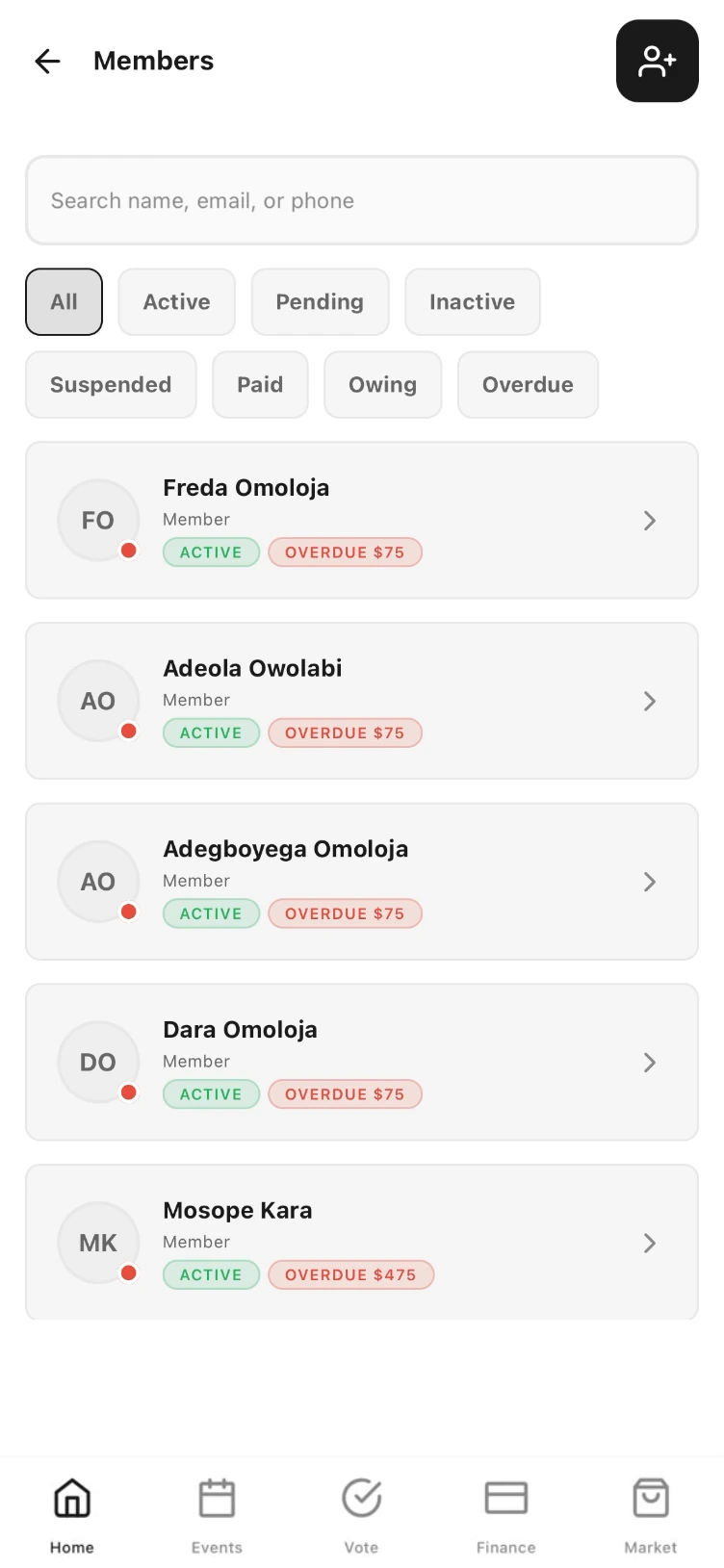
A register that keeps itself tidy.
Search by name, email or phone. Filter the roll by membership state or by money owed. Every member carries their role, their status and their balance, so nobody has to cross-reference a spreadsheet before a meeting.
- Filters: all, active, pending, inactive, suspended, paid, owing, overdue
- Roles: admins, executives, electoral officer, ordinary members
- Invite by link; members complete their own profile
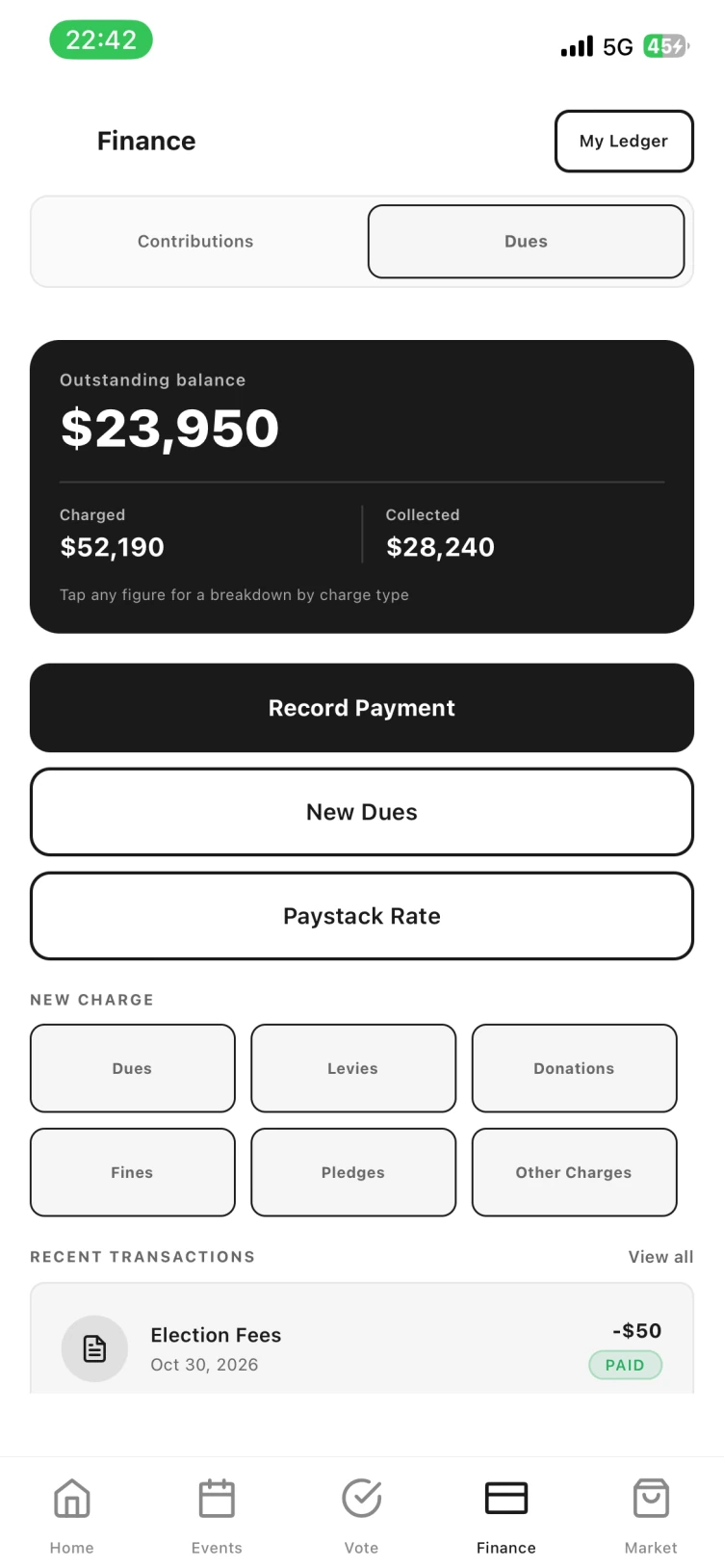
Dues and pools, kept to the penny.
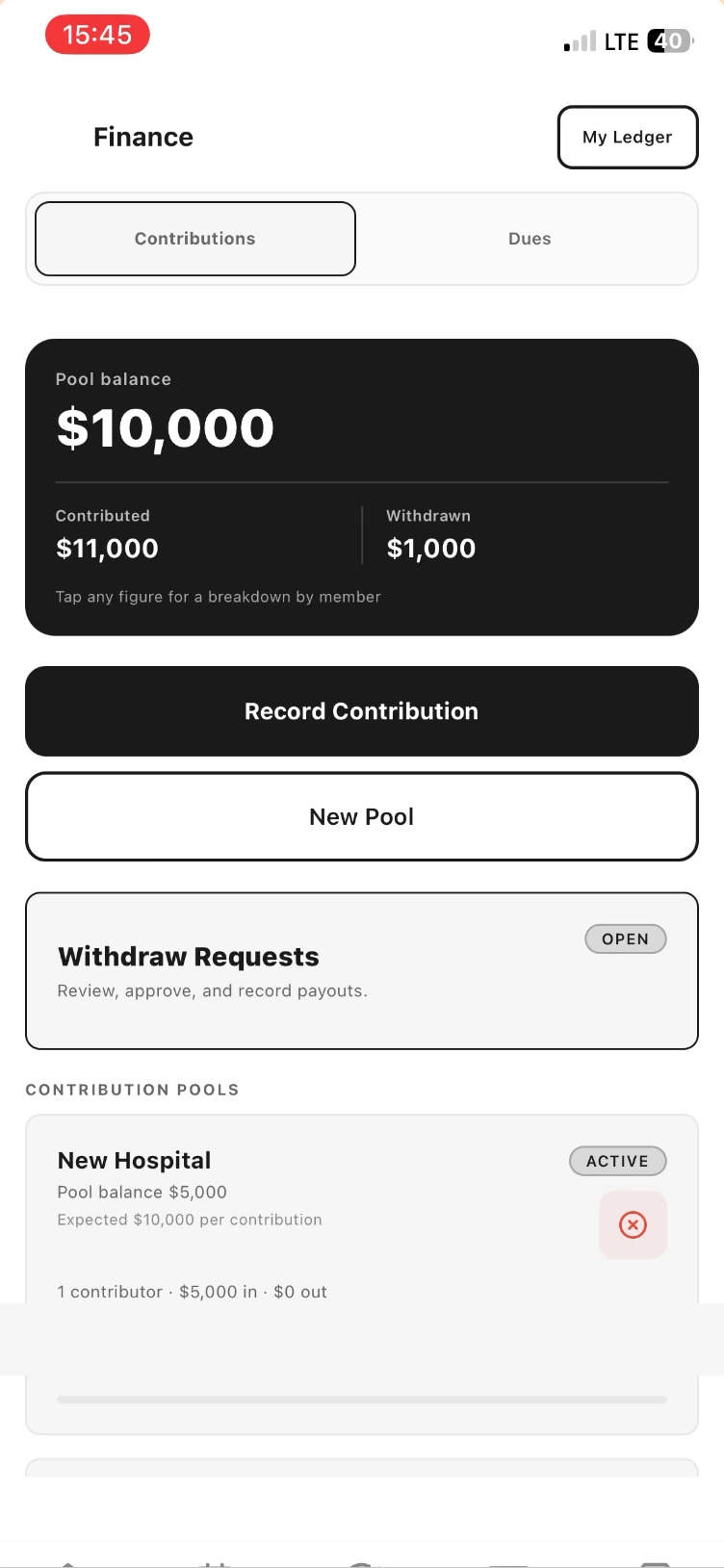
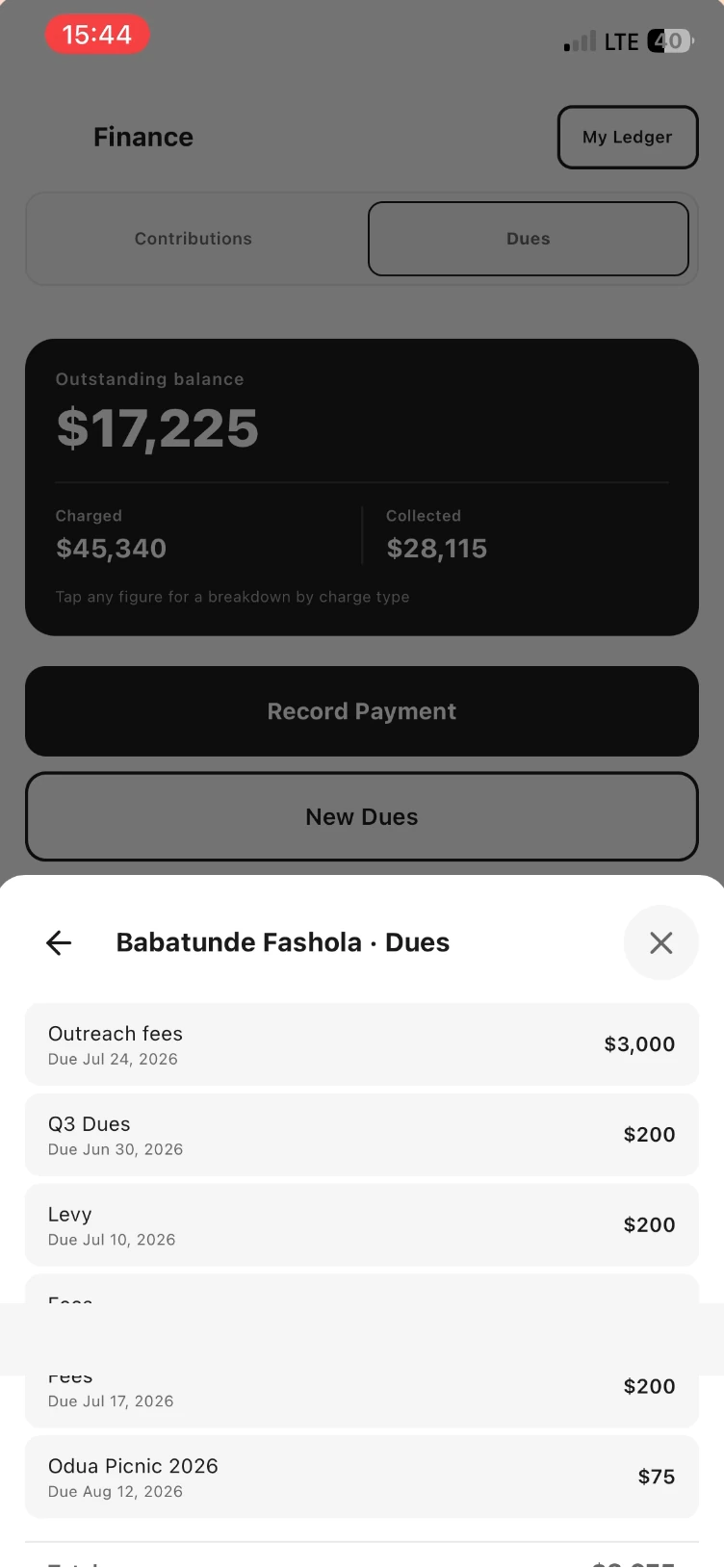
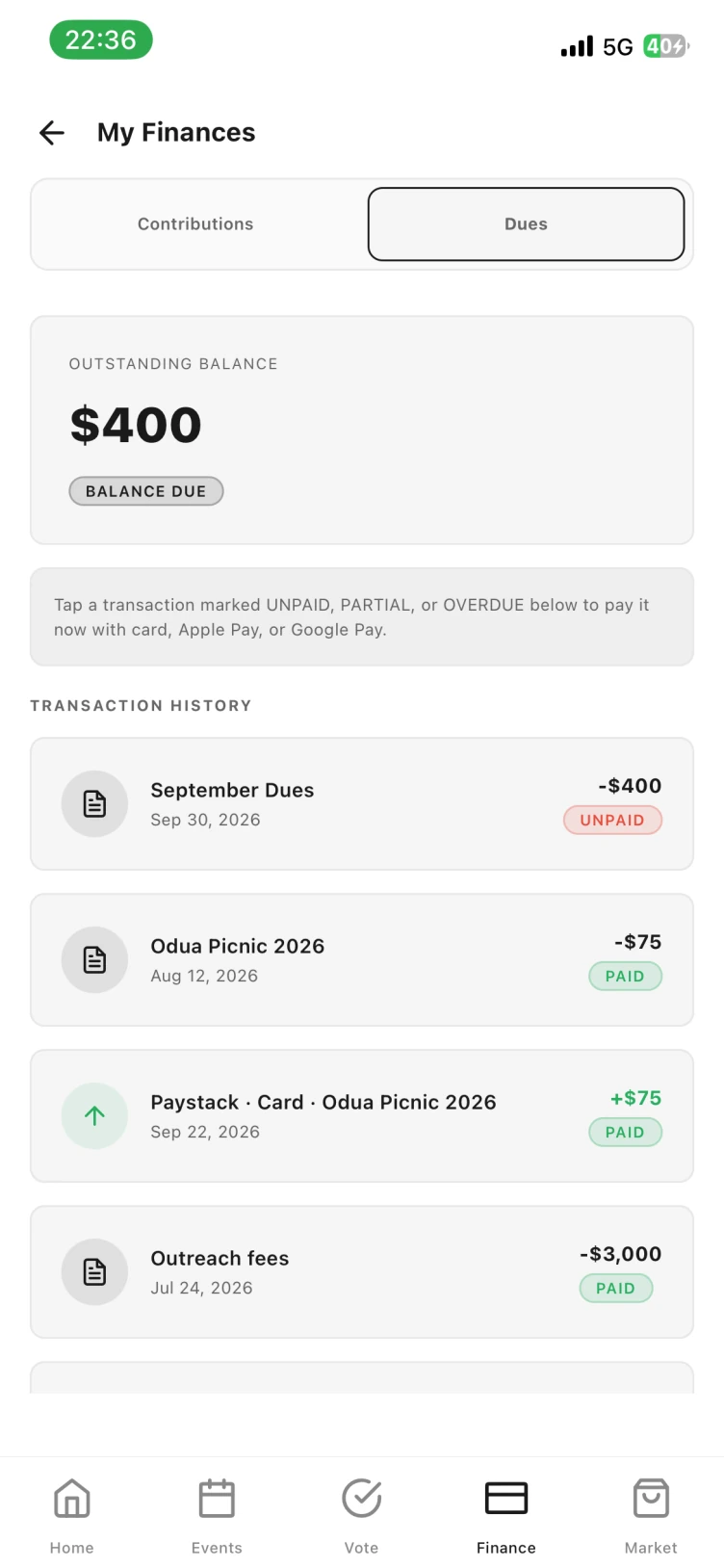
Two ledgers: dues for what the association charges, contributions for what it pools. Charge dues, levies, donations, fines, pledges or anything else; record payments as they arrive; tap any figure to break it down by member or charge type.
- Outstanding, charged and collected always reconciled
- Contribution pools with expected amounts and withdrawal requests
- My Ledger: every member sees their own statement
Decisions on the record, not in the chat.
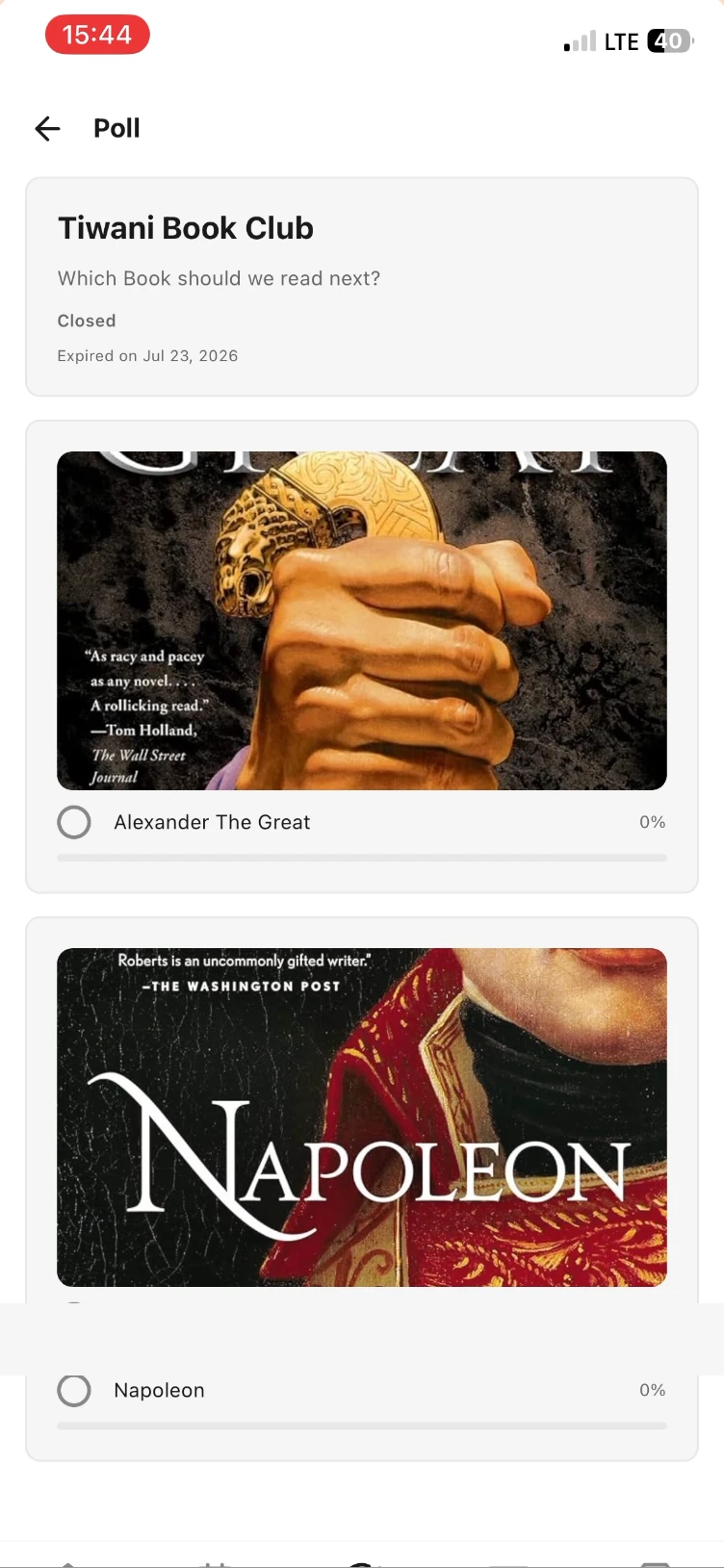
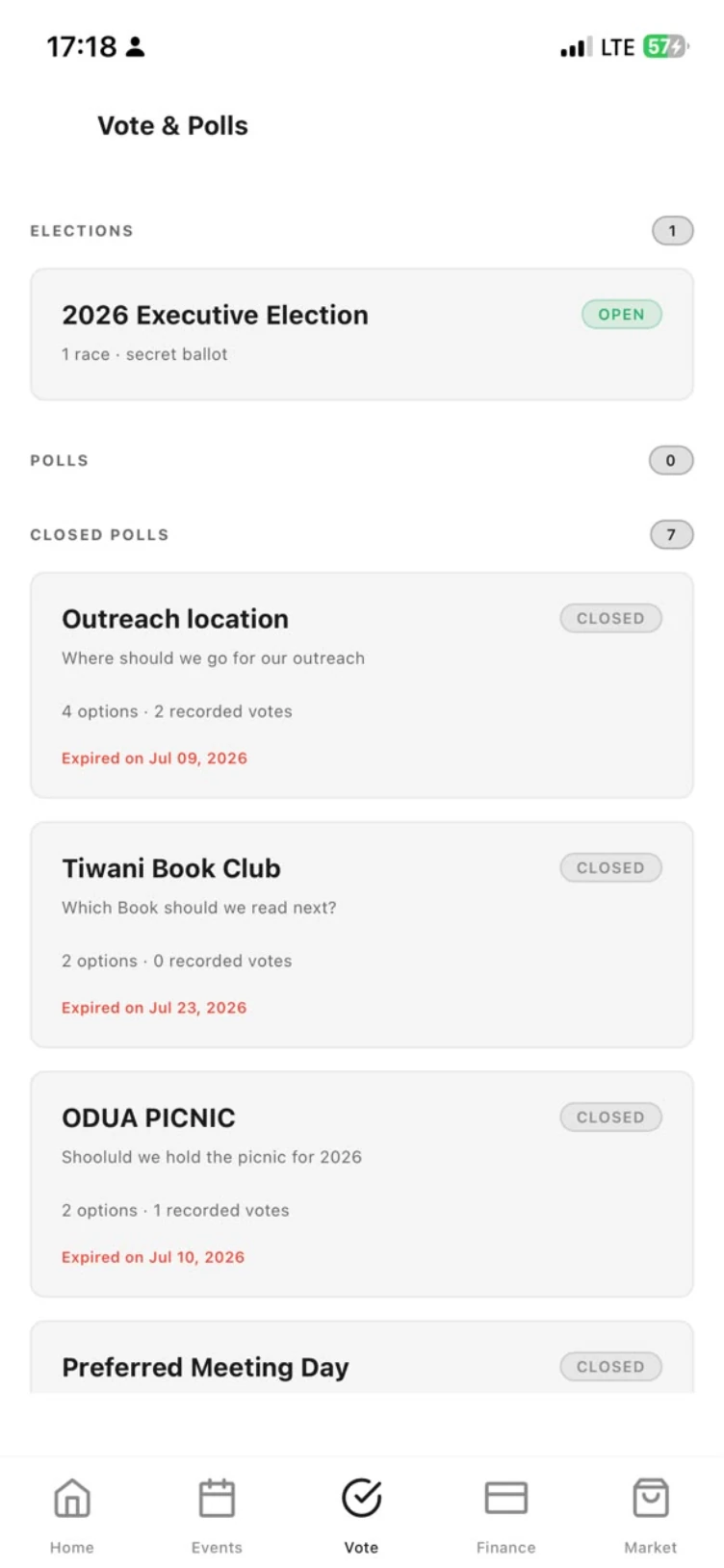
Put a motion, an election or a book club pick to the membership. Options can carry images, polls can close on a date, and everyone can see the tally, so the outcome is a record rather than an argument.
- Elections with races and a secret ballot, alongside ordinary polls
- Open and closed polls with expiry dates
- Live percentages per option
- One member, one vote, tied to the register
From the calendar to the door.
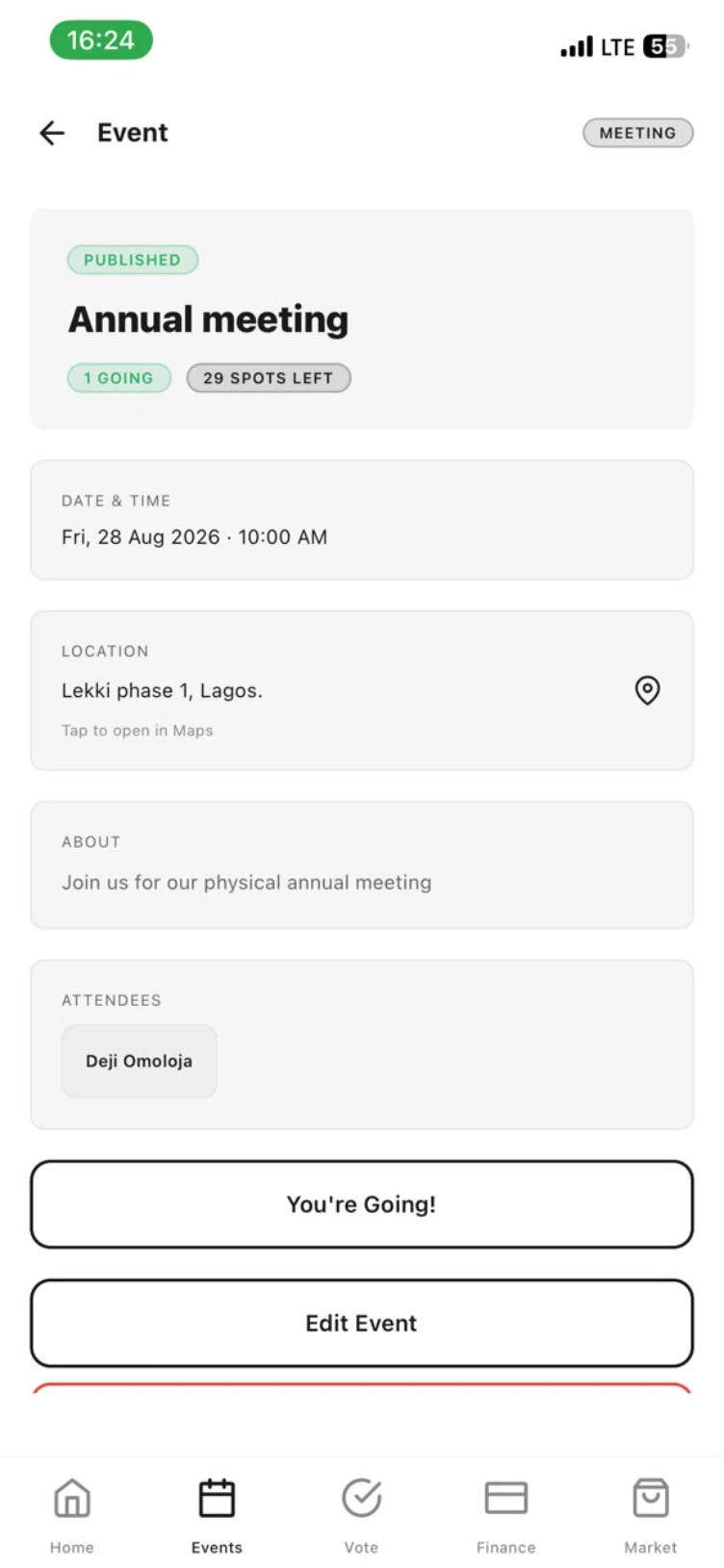
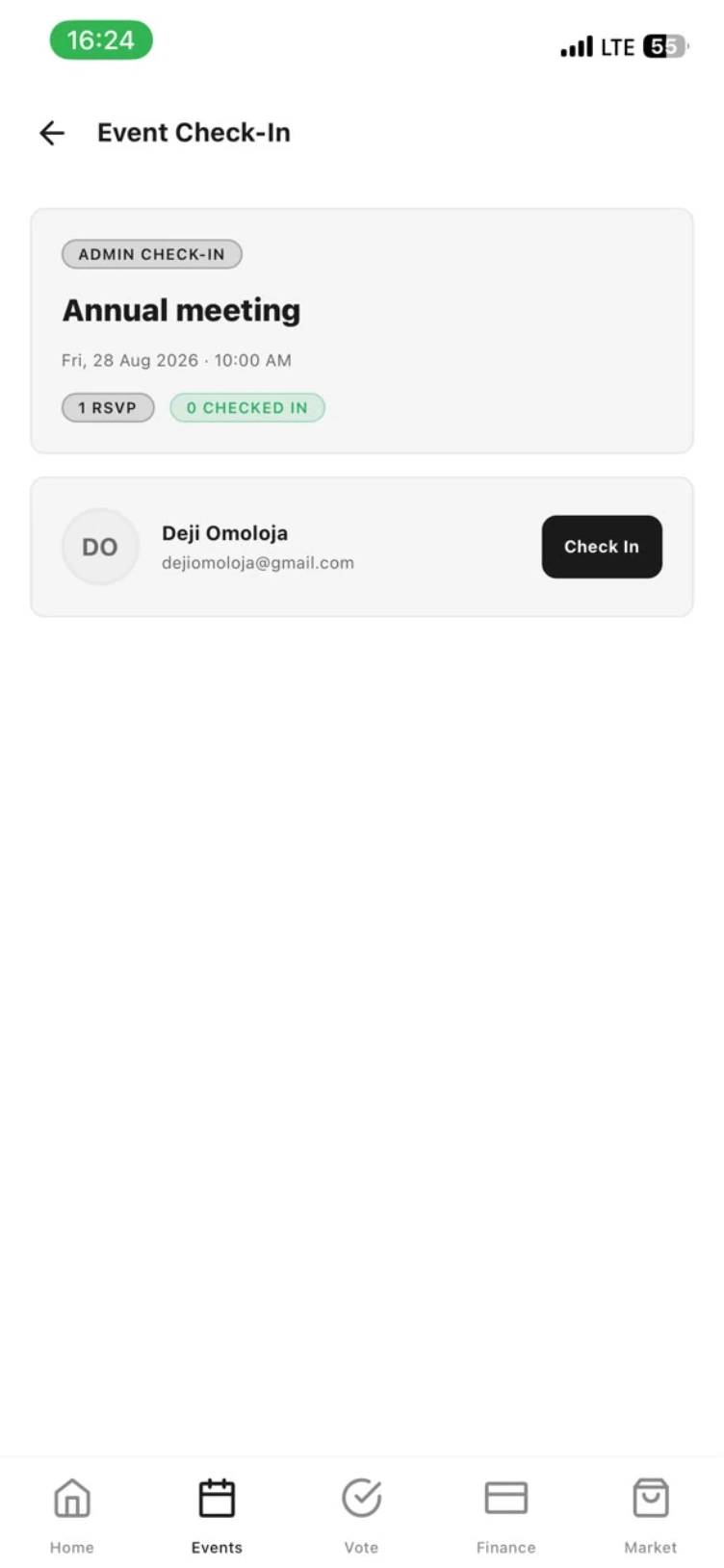
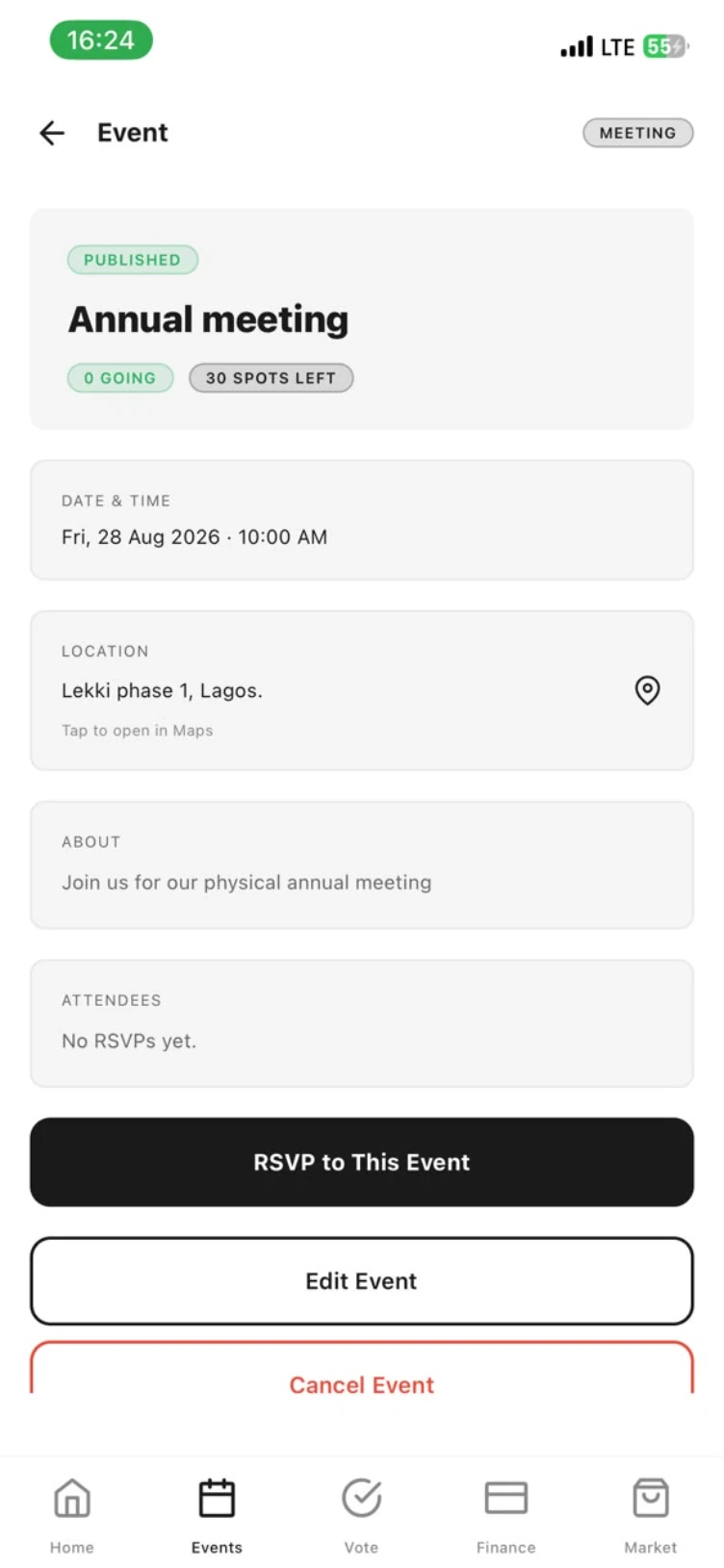
An event carries its own page: published status, date, place, a note, the capacity and who is going. Members RSVP from that page, 0 going, 30 spots left becomes 1 going, 29 spots left, and on the day an admin checks attendees in by name. Market is the members' own notice board.
- Week strip, month view and an upcoming list
- RSVP, capacity and an attendee list drawn from the register
- Admin check-in at the door; edit or cancel with everyone notified
- Members see the same page with RSVP only. No edit, no cancel.
- Member-to-member listings inside the association
The constitution, the minutes, the paper trail.
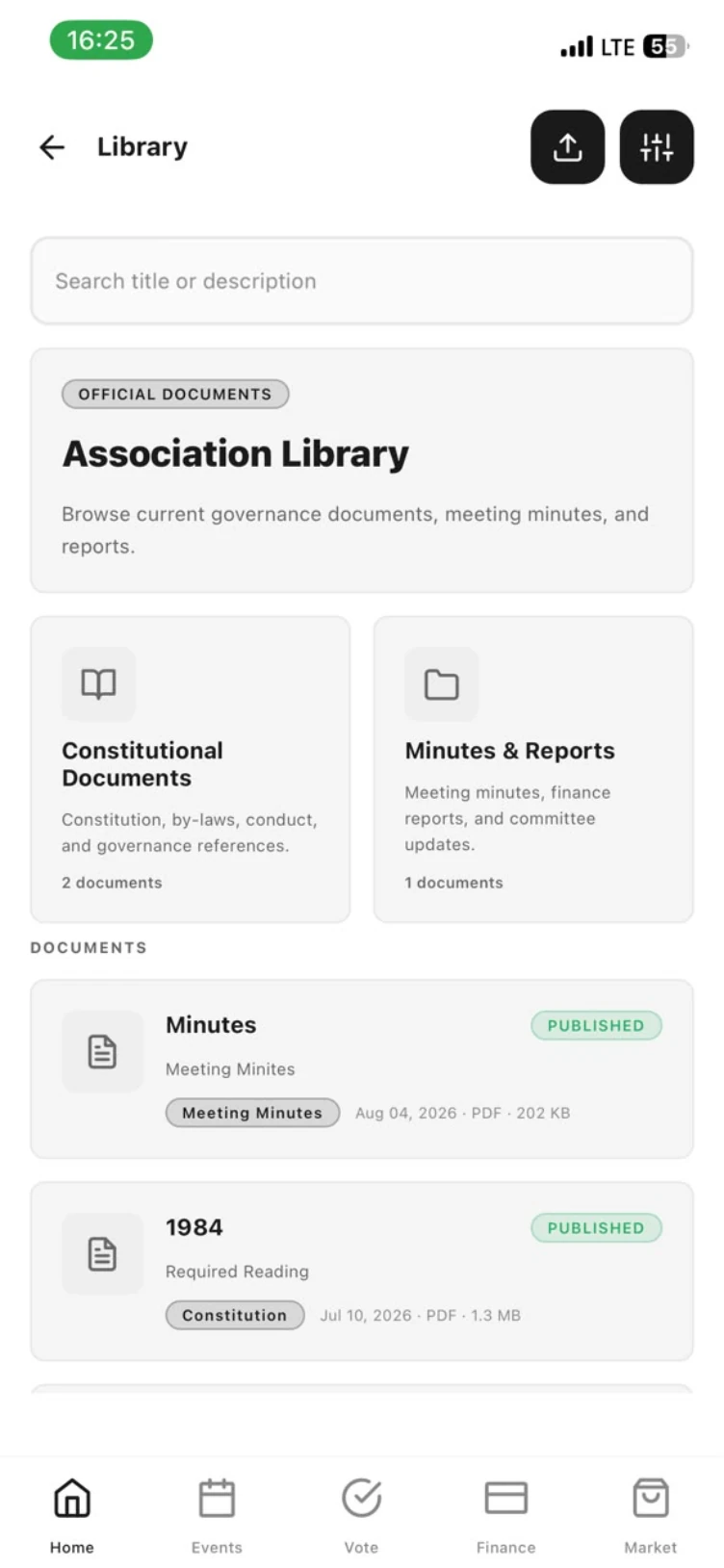
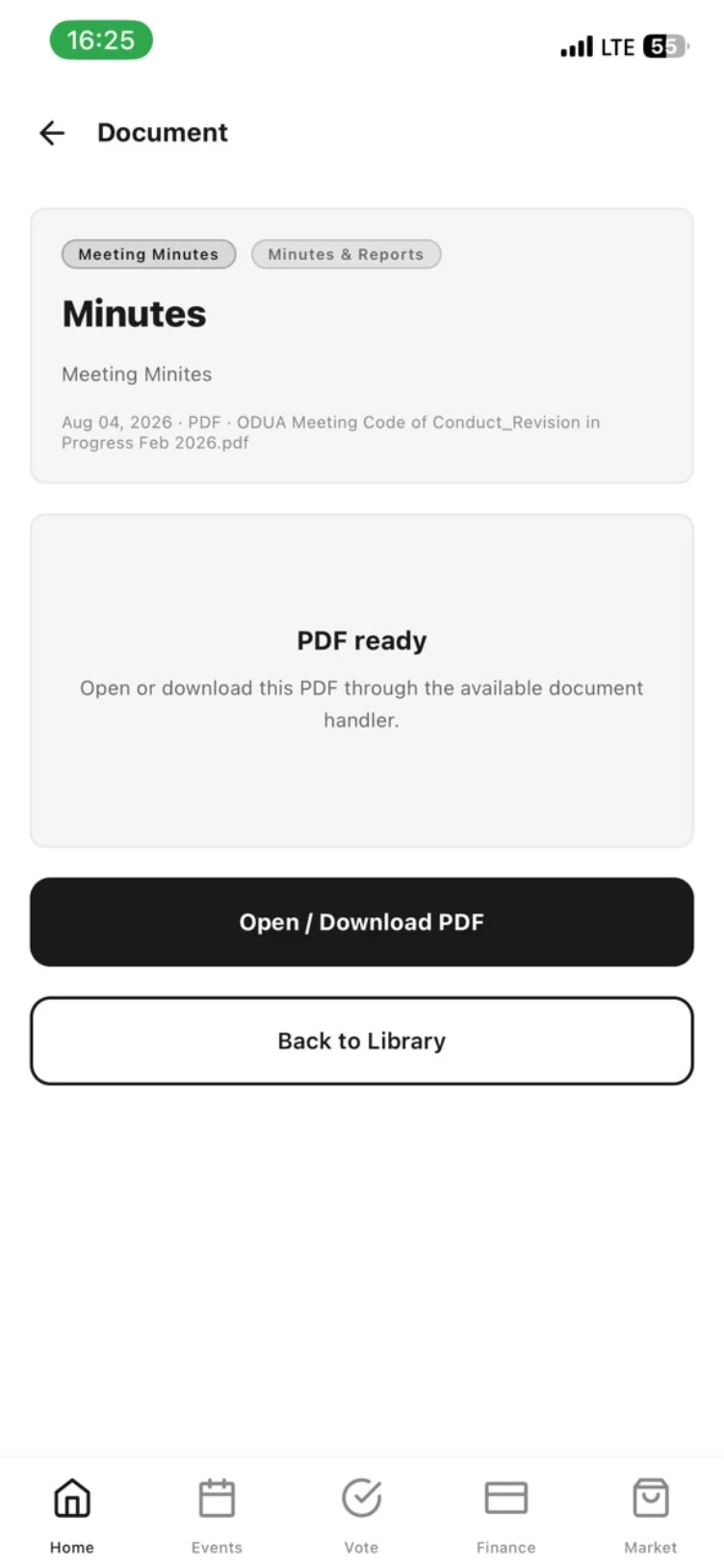
Upload the by-laws, the code of conduct, the finance reports and every set of minutes. Each document sits under constitutional papers or minutes and reports, tagged, dated and searchable. Publish it to members, or hold it back while a revision is in progress.
- Two shelves: constitutional documents, minutes & reports
- Published or draft, with file type, size and date on the card
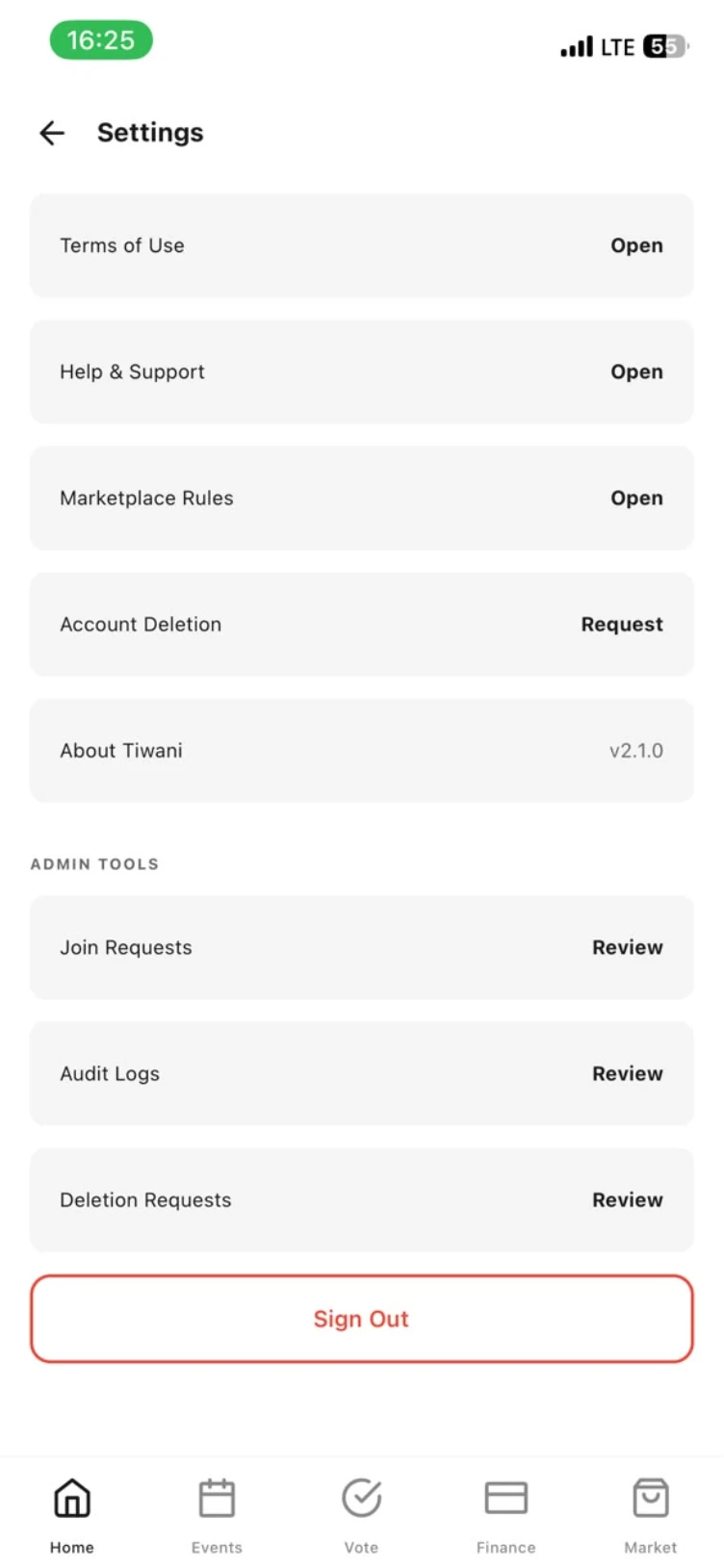
- Admin tools alongside: join requests, audit logs, deletion requests
A marketplace that stays inside the association.
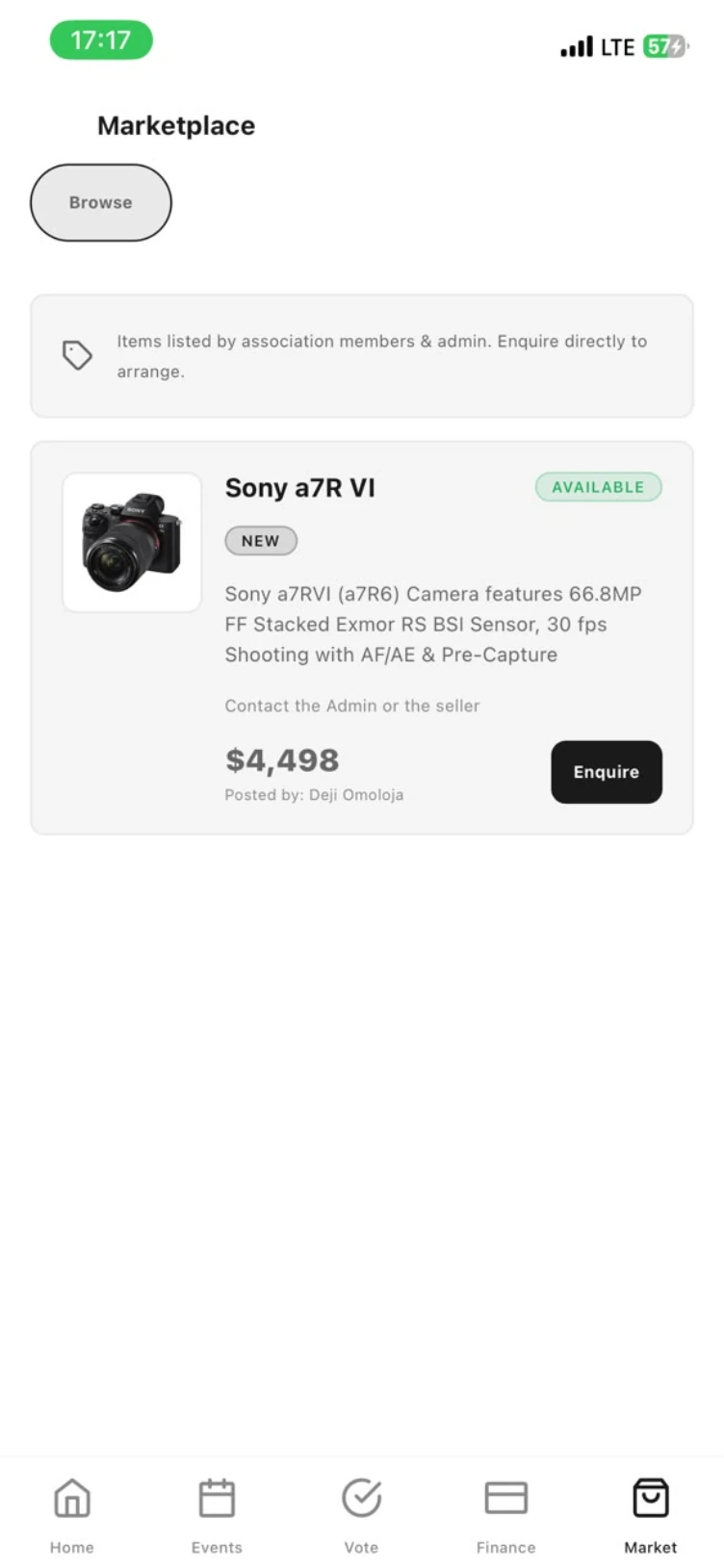
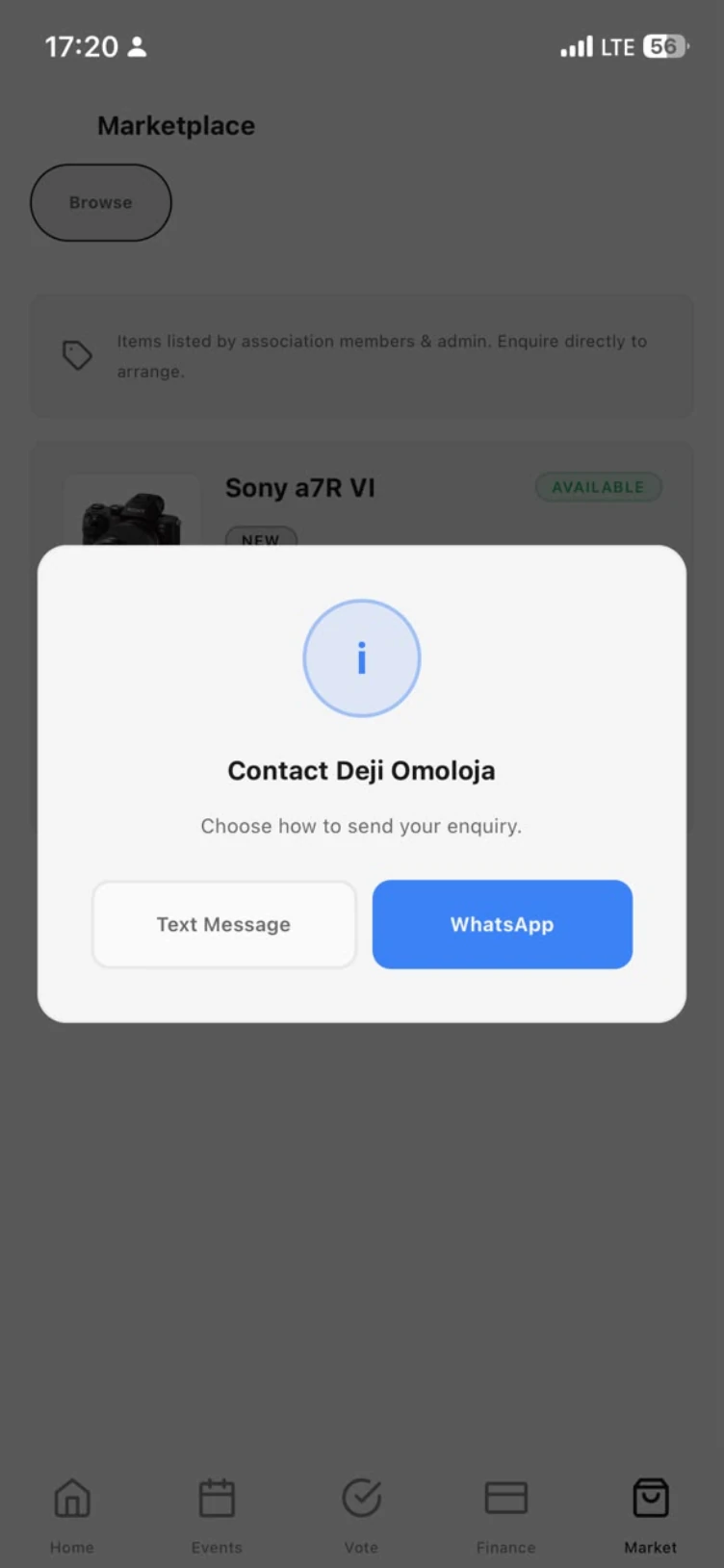
Members list what they are selling, with a photo, condition, description and price, and the rest of the register browses it. Tiwani does not take the money or hold the goods. Enquire opens a text message or WhatsApp to the seller, so two members who already know each other arrange the deal.
- Listings by members and admins, with availability status
- Enquire by text message or WhatsApp
- Marketplace rules published under Settings
Permissions
One register, two views.
Everything above is the officers' view. A member without admin rights opens the same app and sees their own standing instead of everyone's. Same figures, scoped to them.
Admin sees
- The whole ledger: charged, collected and outstanding across the roll
- Every member's balance and status, with single or bulk payment recording
- Create events, edit, cancel, check attendees in
- Open polls and elections; approve join and deletion requests
A member sees
- My Finances, with their own dues, history and standing
- My Contributions, with their pool balance and a withdrawal request
- Events they can RSVP to, without edit or cancel controls
- Open elections, closed polls and the marketplace
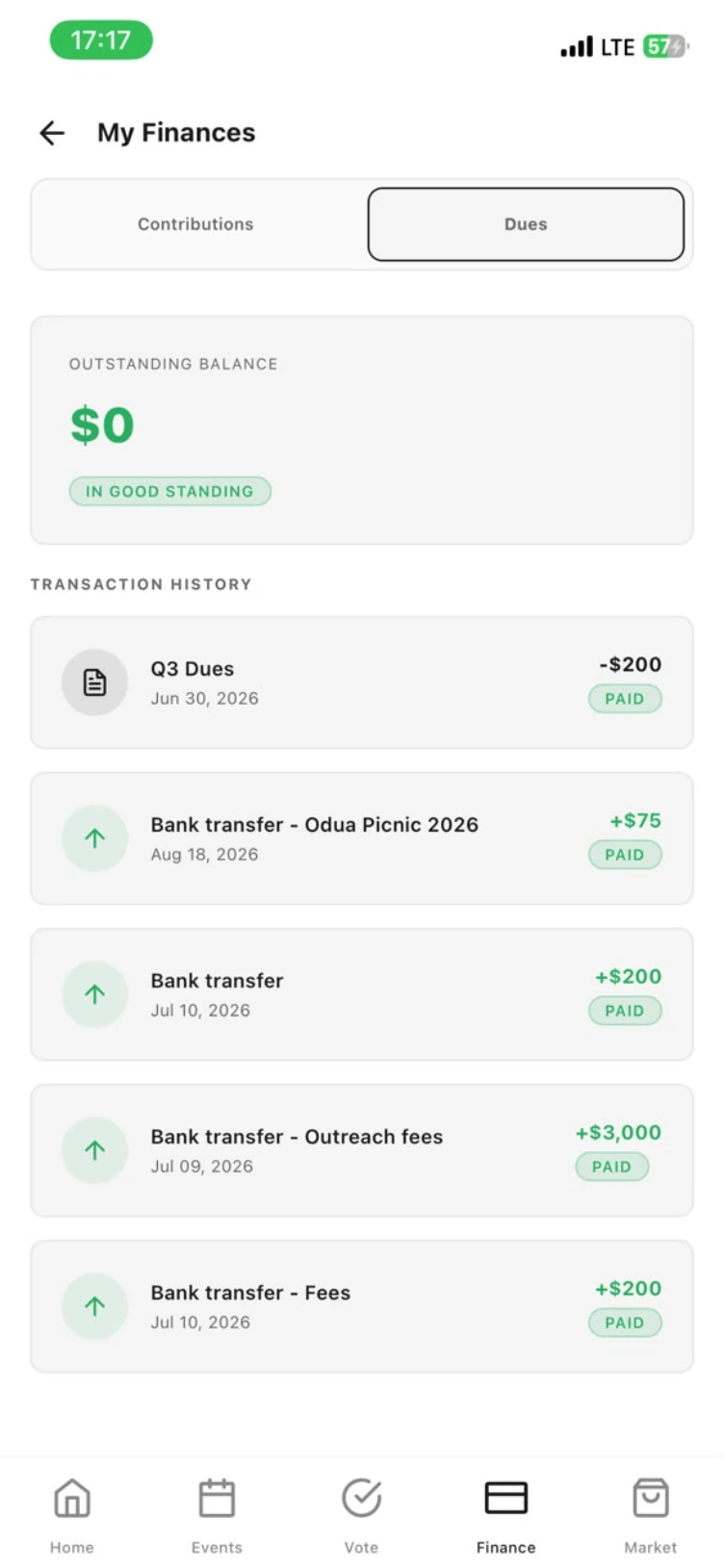
In good standing
Their outstanding balance and every payment they have made. Nobody else's.
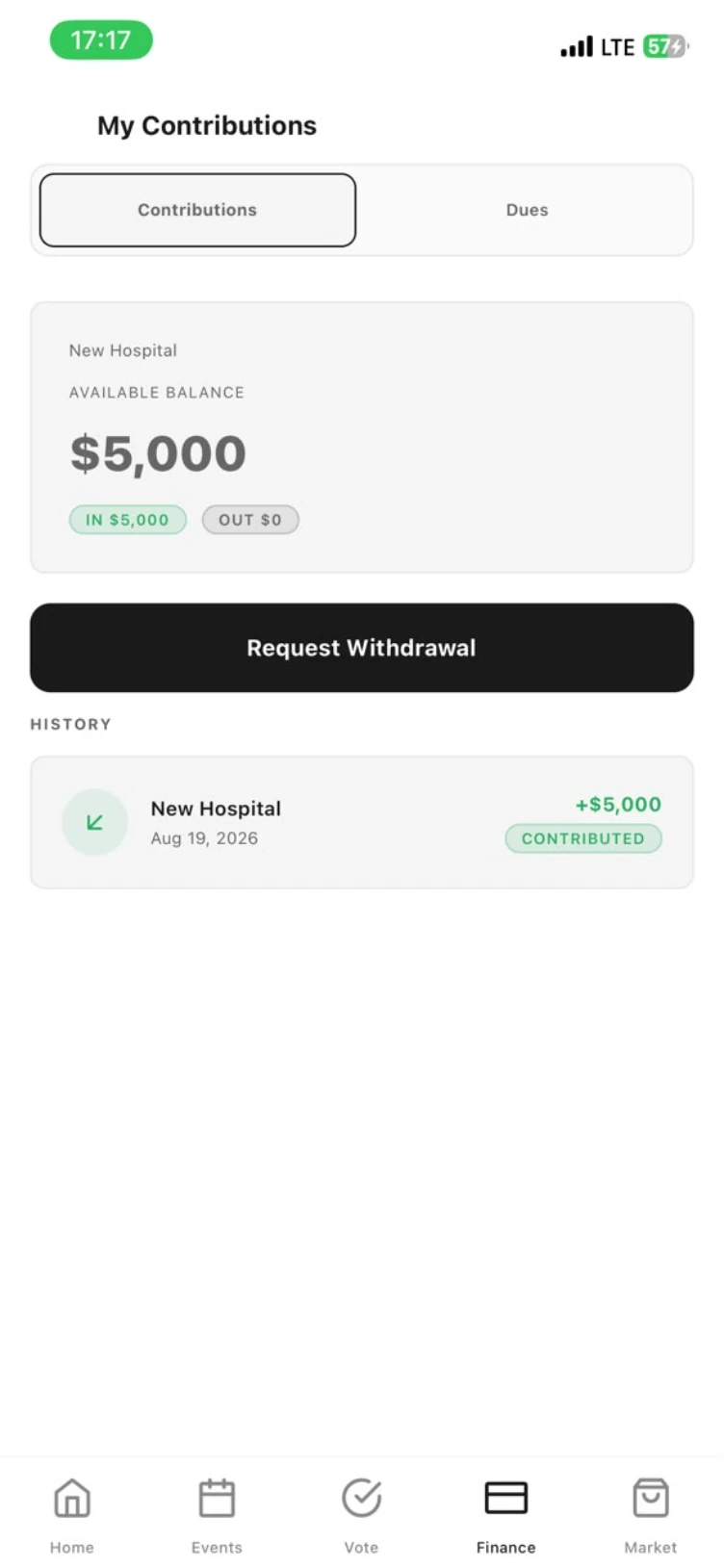
Their share of the pool
What they put in, what is available, and the history behind it.
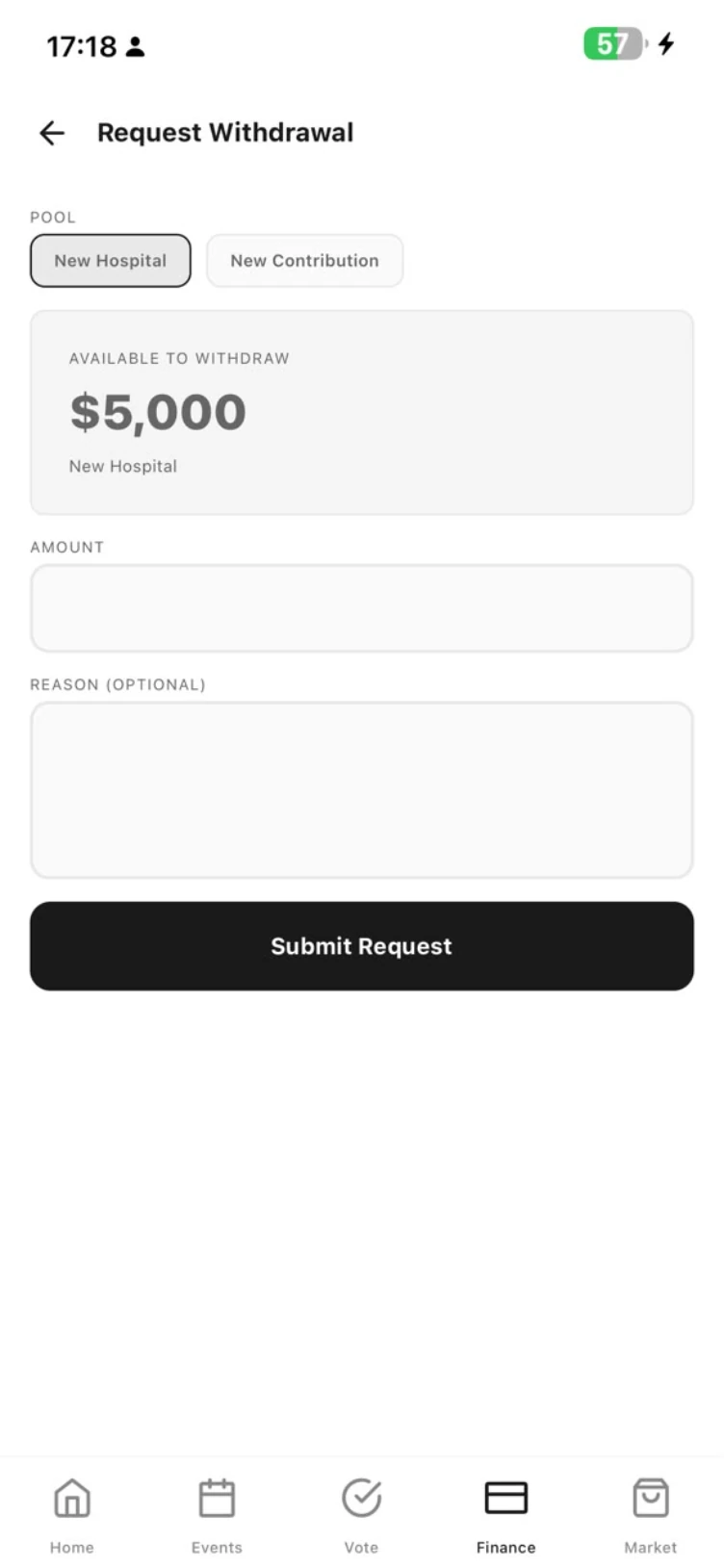
Asking, not taking
A withdrawal is a request with an amount and a reason. The executives approve it.
Elections and polls
Open ballots to cast and closed ones to read. Voting is secret where the office requires it.
How to use Tiwani
How to run your association in Tiwani, in nine steps.
Scroll and the screen follows the step.
Sign in and name the association
Tap Get Started, then sign in. If the register already exists, send Request to Join and an admin lets you in. Set the currency, the timezone and who holds admin, and the home dashboard is ready to fill.
Add or invite your members
Tap the person-plus icon on Members to add someone by hand, or send an invite link and let them complete their own profile. Assign roles as you go. Admins can charge and record, members can view and vote.
Set dues and open a pool
On Finance, choose New Dues and pick the charge type: dues, levies, donations, fines or pledges. For a project, open a contribution pool with an expected amount per member. Both ledgers update the moment money lands.
Schedule an event and invite the roll
Press plus on Events, set the date and any attendance fee, then invite the whole register or a subset. RSVPs come back against member names, and the fee appears on each invitee's ledger.
Publish it and collect RSVPs
Once published, the event page shows the date, the place, the note and the capacity: 0 going, 30 spots left. Members tap RSVP to This Event and their name joins the attendee list. You can edit or cancel from the same page.
Check members in at the door
On the day, open Event Check-In. Every RSVP has its own Check In button, and the header keeps count: one RSVP, none checked in, until people start arriving.
Put the motion to a vote
Tap New Poll on the home screen and add a question, the options and a closing date. Members vote once each and the percentages update live. The closed poll stays on file as the minute of the decision.
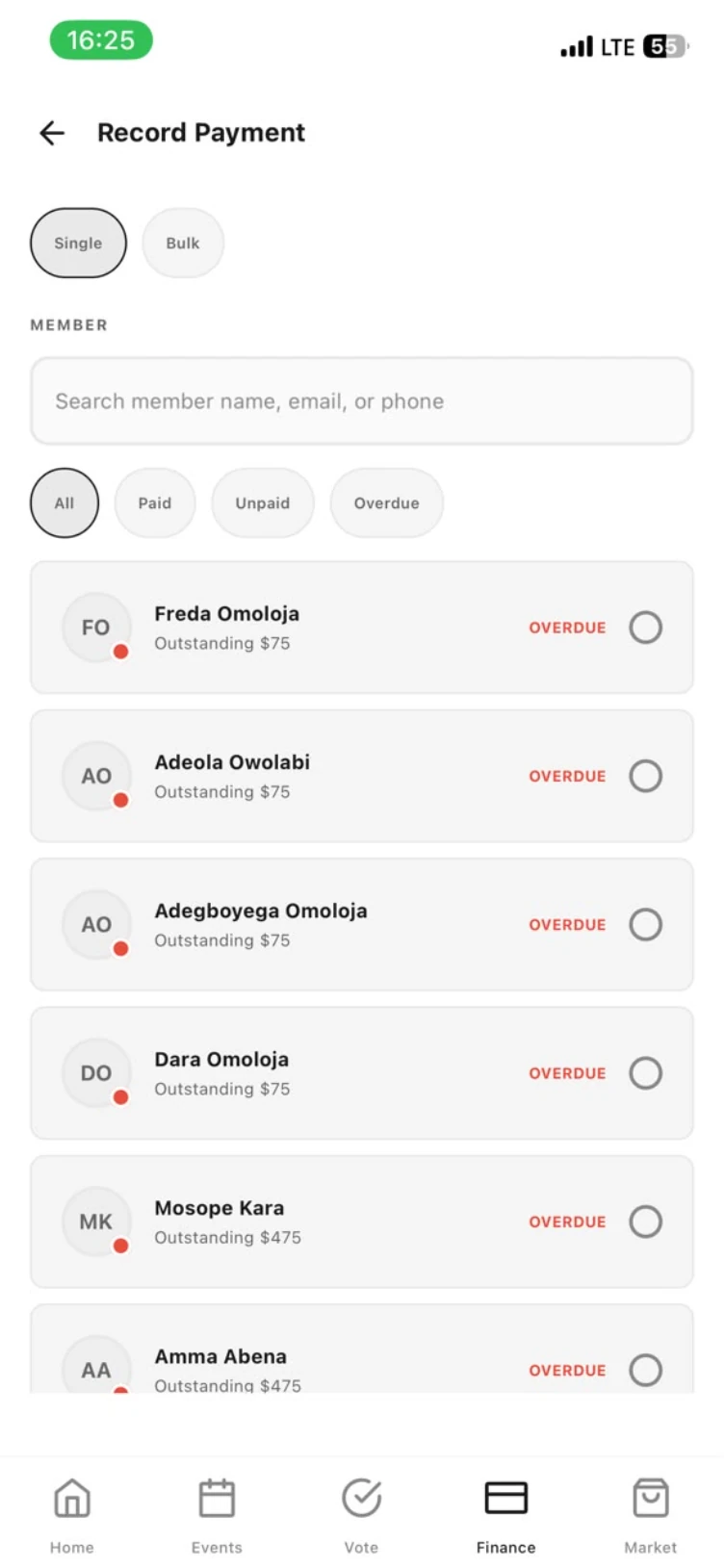
Record payments, single or bulk
Record Payment takes one member or a whole batch. Filter to paid, unpaid or overdue, tick the members who have settled, and every outstanding figure on the dashboard moves with them.
File the minutes in the Library
Upload the minutes and the finance report, tag them, publish them. Members read the papers on their phones instead of asking for them, and the constitution stops living in one officer's inbox.
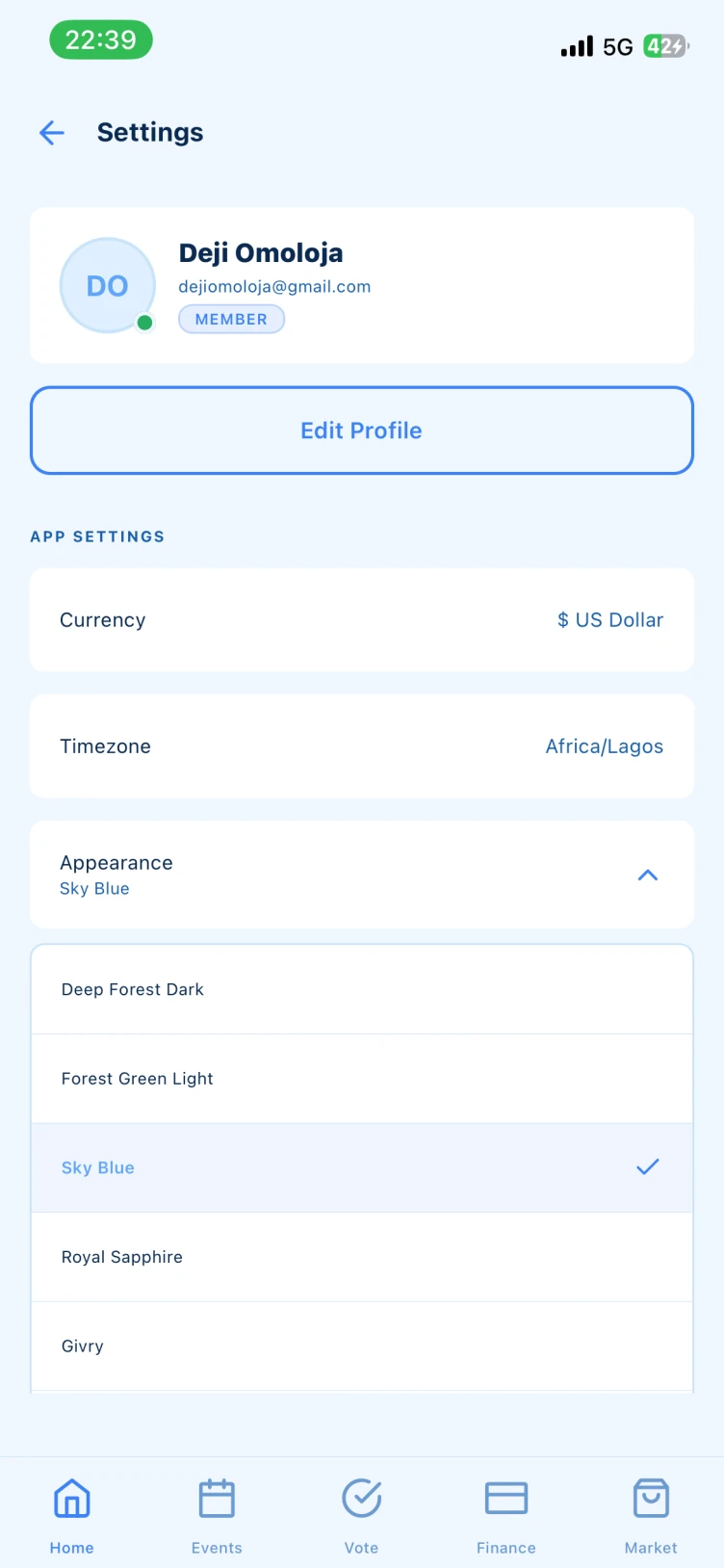
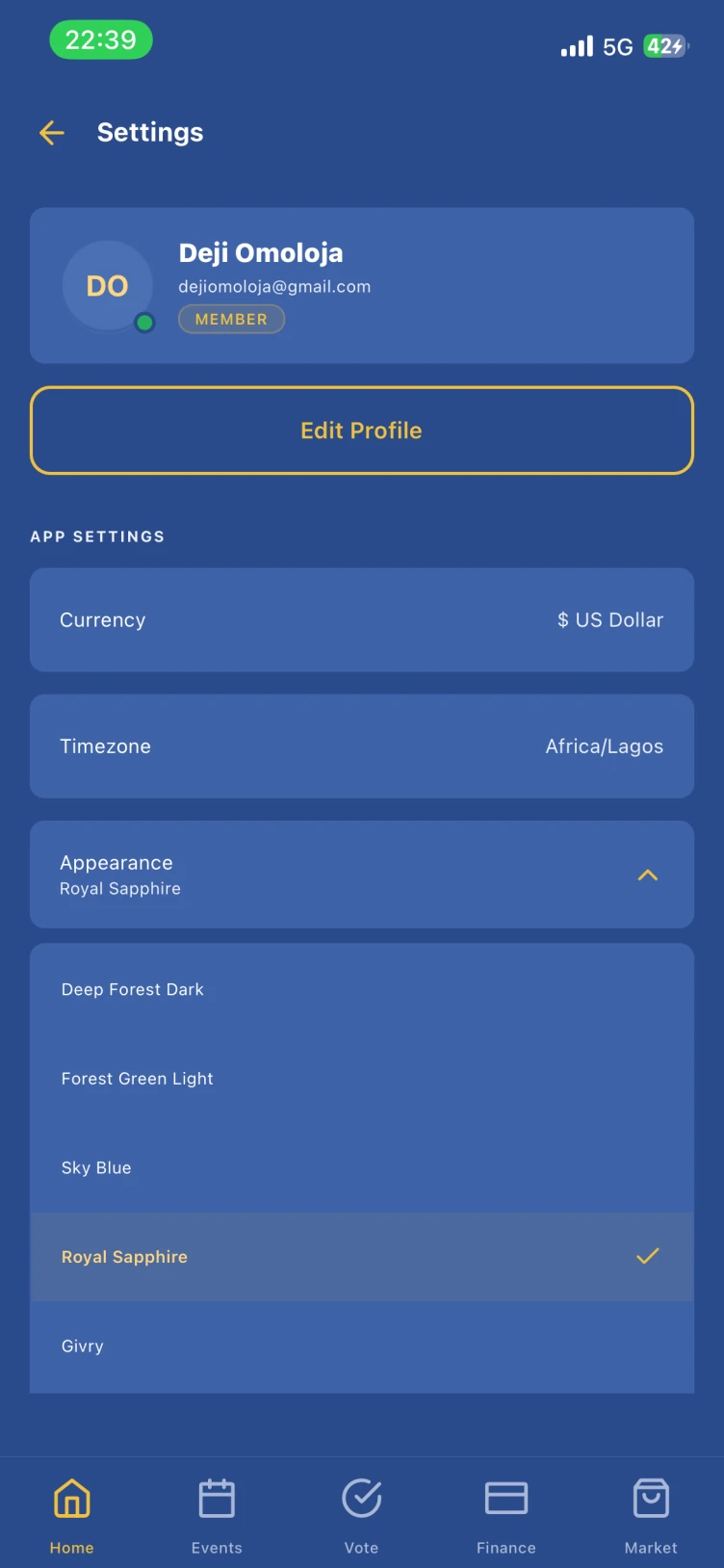
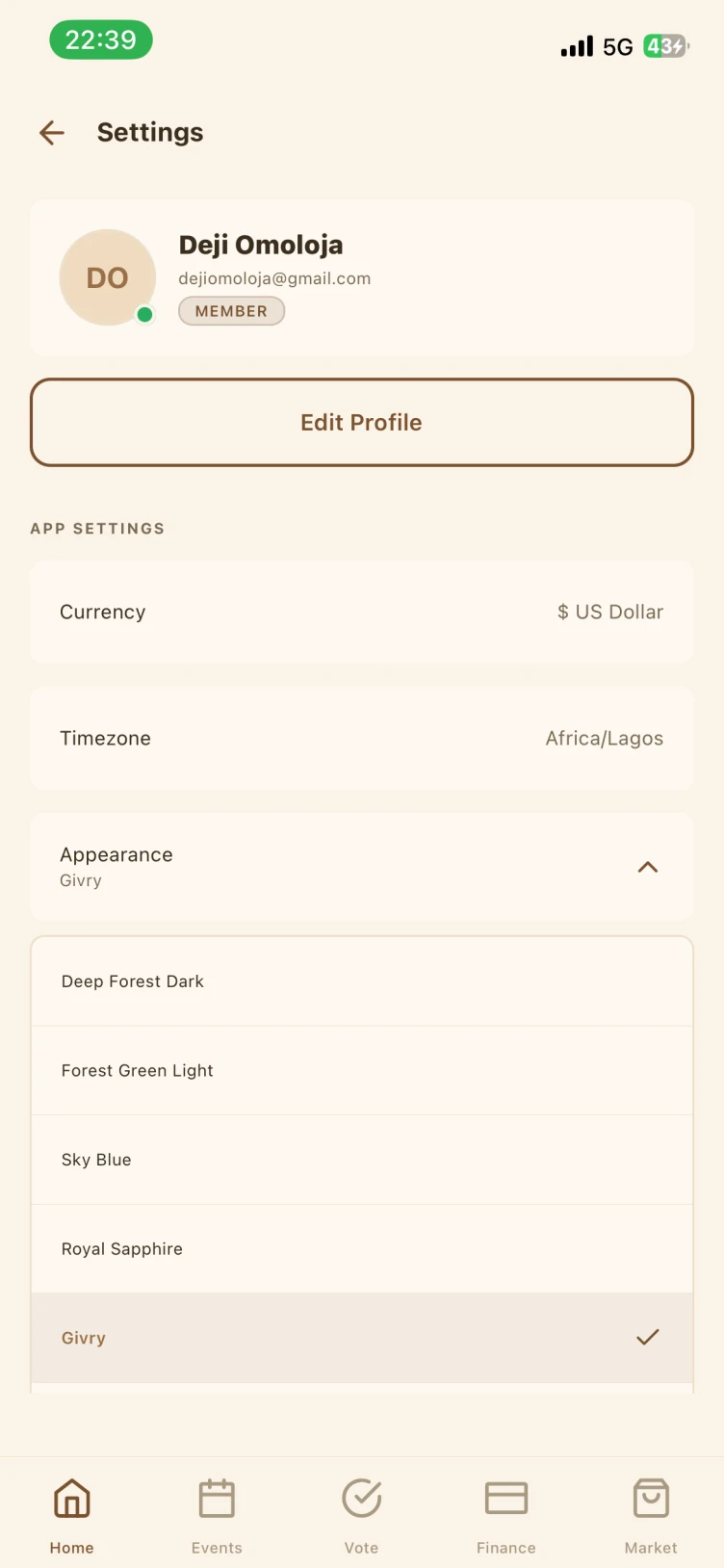
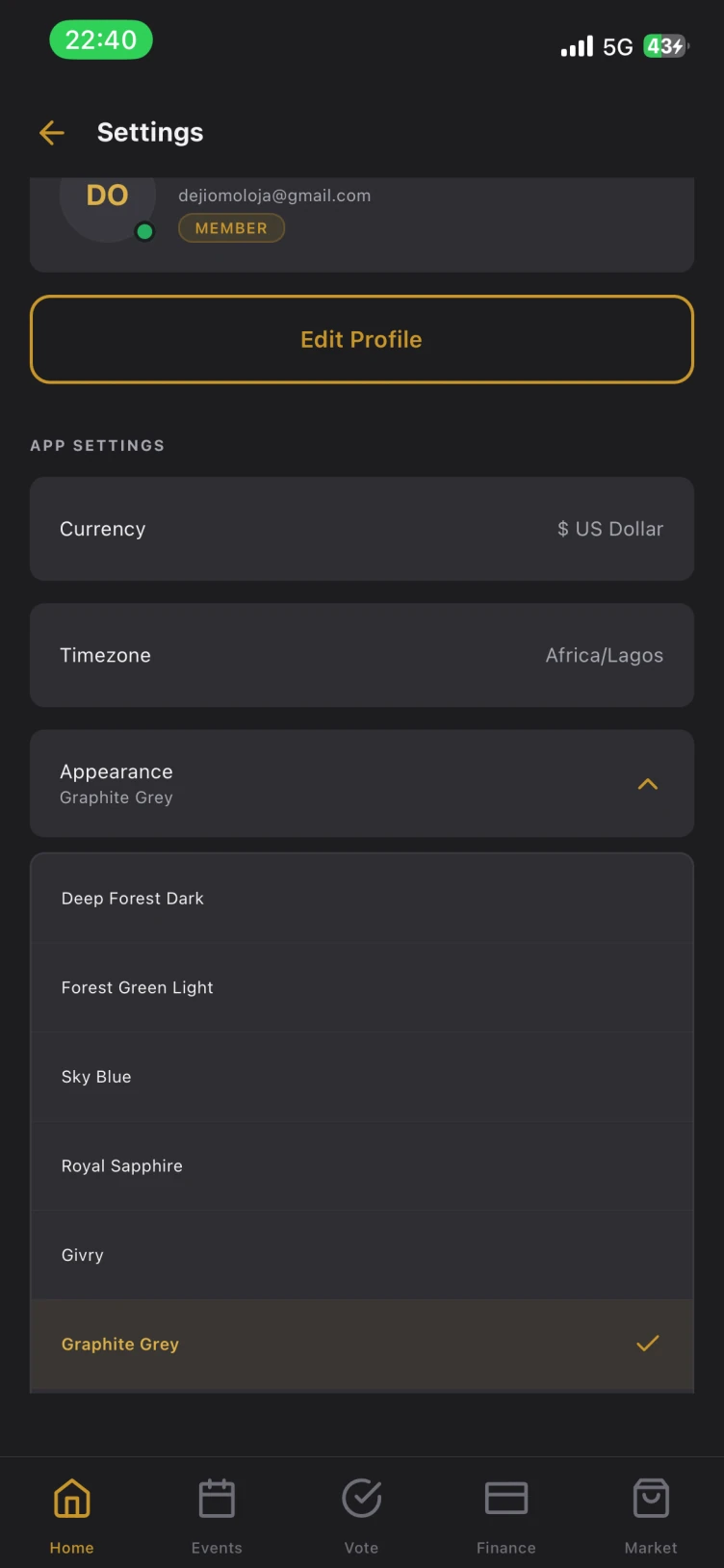
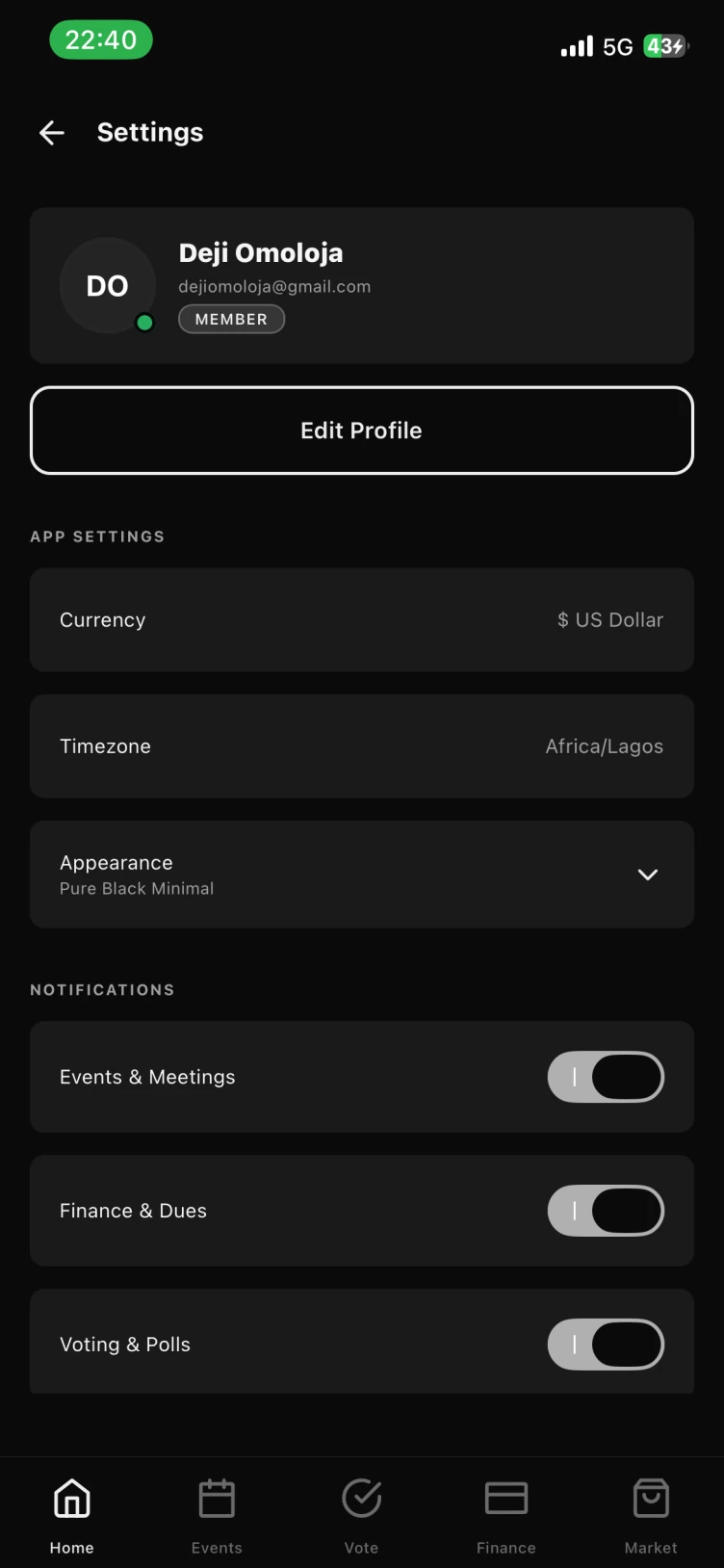
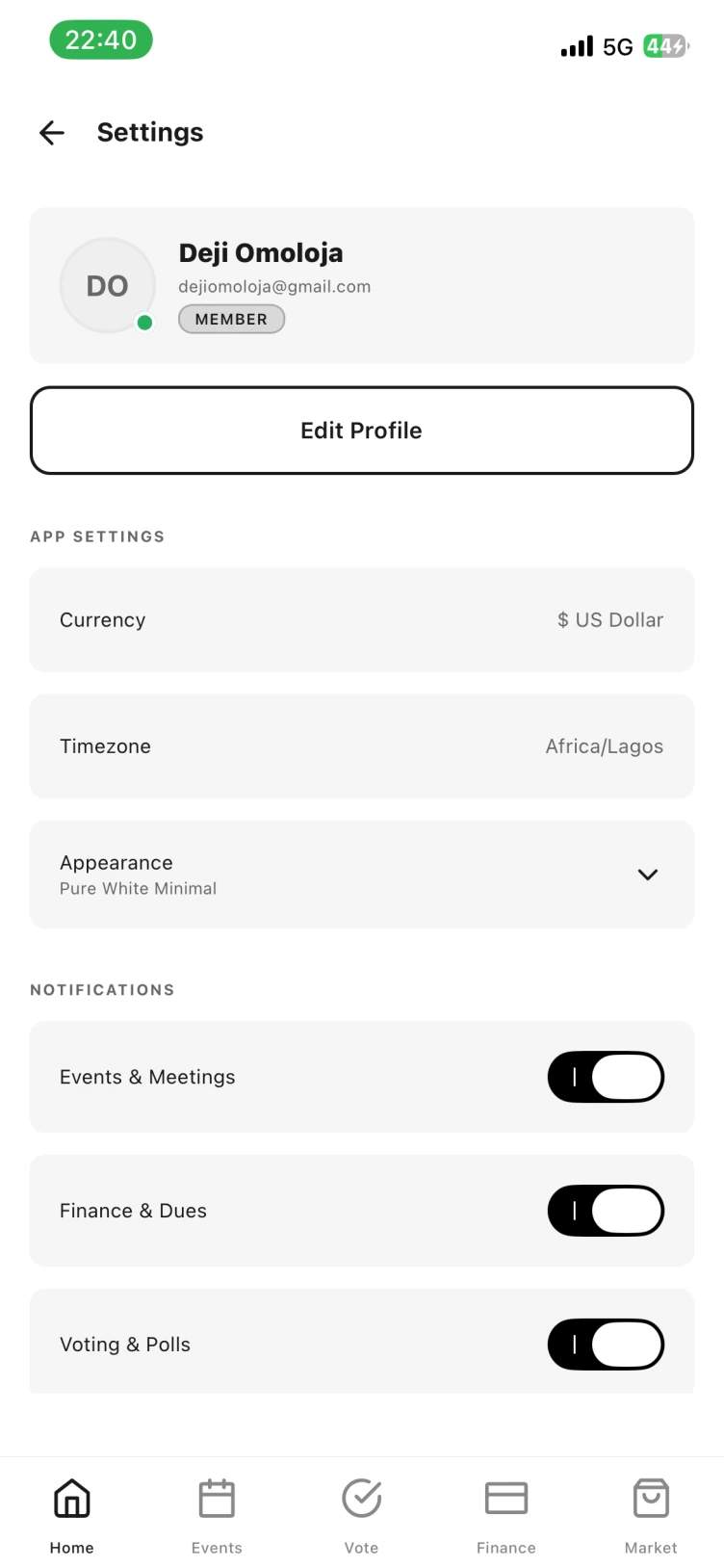
Appearance
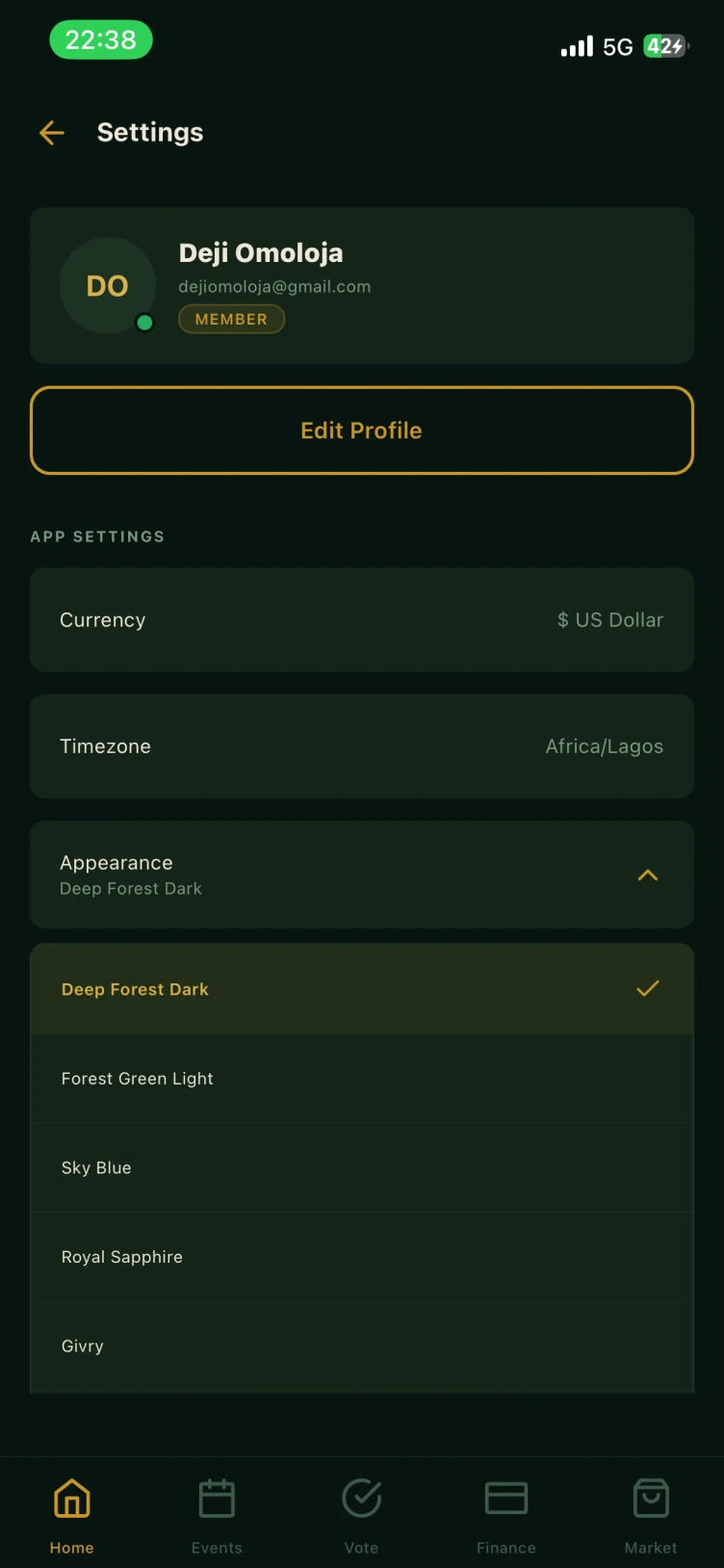
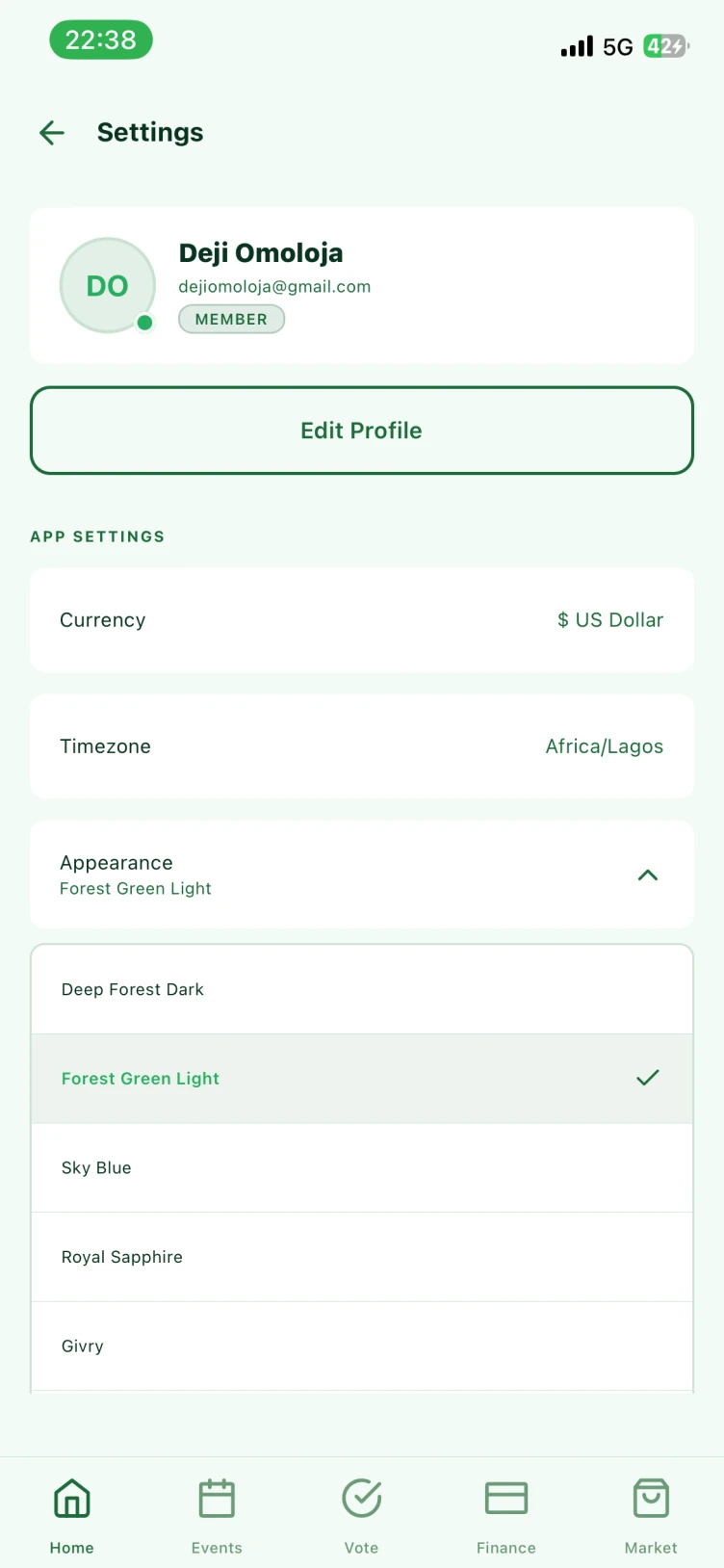
Eight themes. Pick the one your chapter looks best in.
Every member chooses their own appearance under Settings. The register stays the same, the room changes. Try them here.
Settings → Appearance. The choice is per member and per device, so an executive on Deep Forest Dark and a member on Pure White Minimal read the same ledger.
Who it is for
For alumni associations, unions, societies, clubs and co-operatives.
Alumni associations
Set-year cohorts, annual dues, reunion events and a scholarship pool.
Town & family unions
Levies, projects at home, and a diaspora spread across timezones.
Professional societies
Membership grades, subscriptions, elections and CPD meetings.
Faith & welfare groups
Pledges, donations, welfare disbursements and a clear audit trail.
Sports & social clubs
Subs, fixtures, fines and the members' market board.
Co-operatives & savings clubs
Contribution pools, withdrawal requests and per-member statements.
Screens
The app, unretouched.
Questions
Questions about Tiwani.
Do members need to pay online through the app?
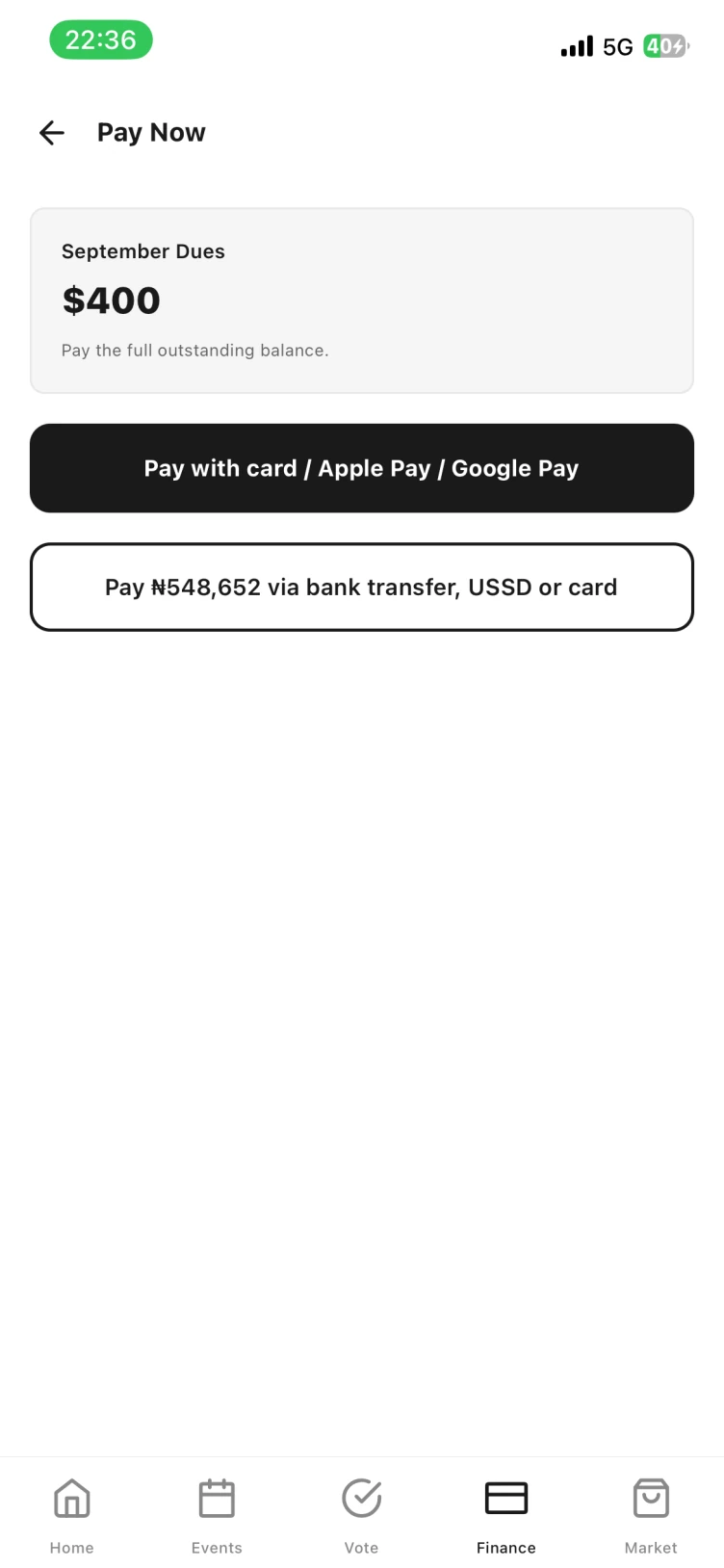
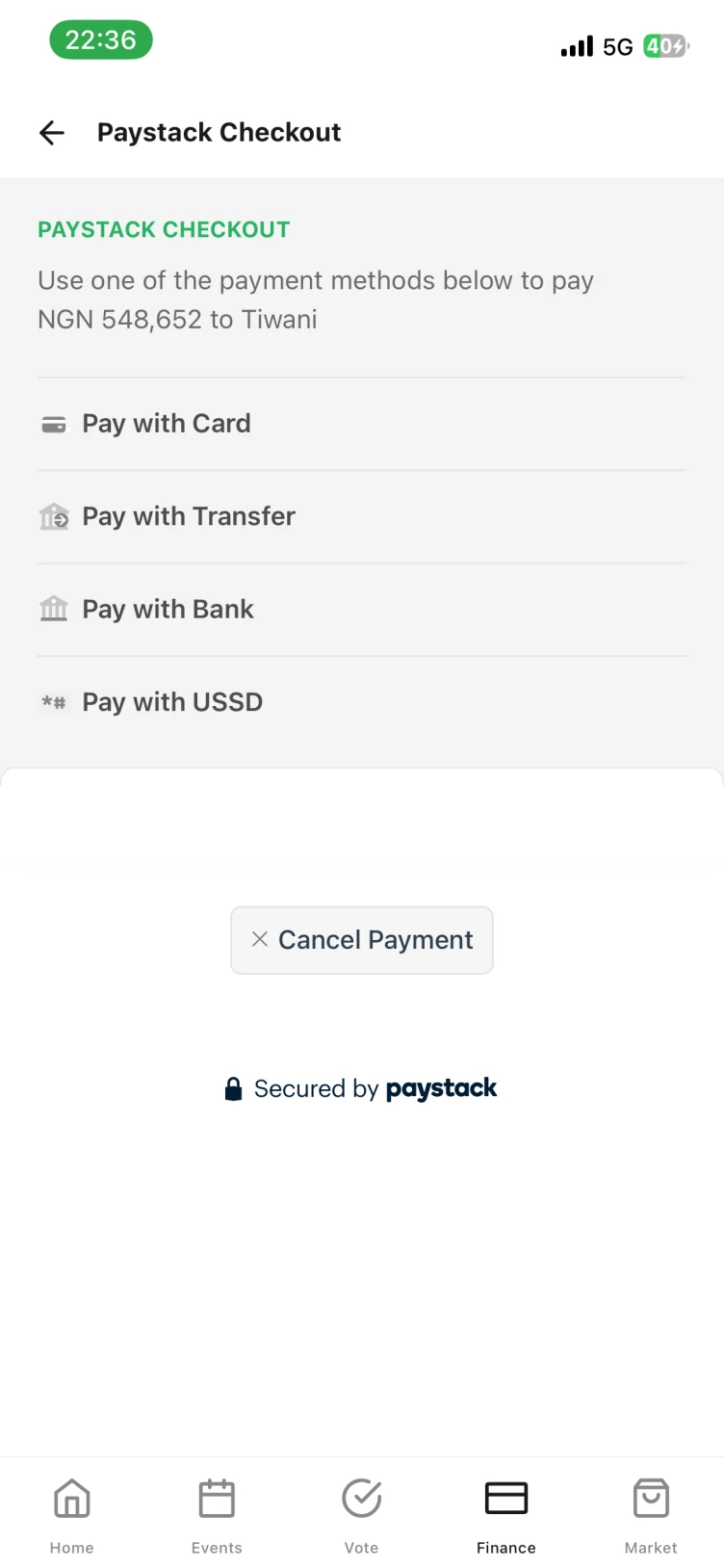
No. Members can pay by card in the app through Stripe or Paystack, but they don't have to. Cash and bank transfers get recorded against the member who paid, so the ledger matches however your association actually collects.
Can more than one person administer the register?
Yes. Roles are set per member, so a chairman, secretary and treasurer can each hold admin rights while ordinary members keep view-and-vote access to their own ledger and the polls.
What happens to members who never open the app?
They stay on the register. An admin can add them by hand, record their payments, and mark their RSVPs. The figures stay correct whether or not every member installs anything.
Which currency and timezone does it use?
You set both per association under Settings, so a union with members in Lagos and London keeps one currency on the books and each member sees events in their own time.
Is there a web version for the executives?
The register is shared, so anything recorded on a phone shows up for every other officer right away. Talk to us about desktop access for reporting and end-of-year returns.
How do we move off our spreadsheet?
Bring the sheet to the demo. We will map your columns to member fields, charge types and outstanding balances, and load the opening figures so your first month in Tiwani reconciles with your last month out of it.

Bring your register. We will do the rest.
A thirty-minute walkthrough with your own membership list, your own dues and your own calendar, so you can see the association in Tiwani before you commit to it.